RankFlect SEO 1.4.0: author E-E-A-T, a schema map for AI agents and a link manager
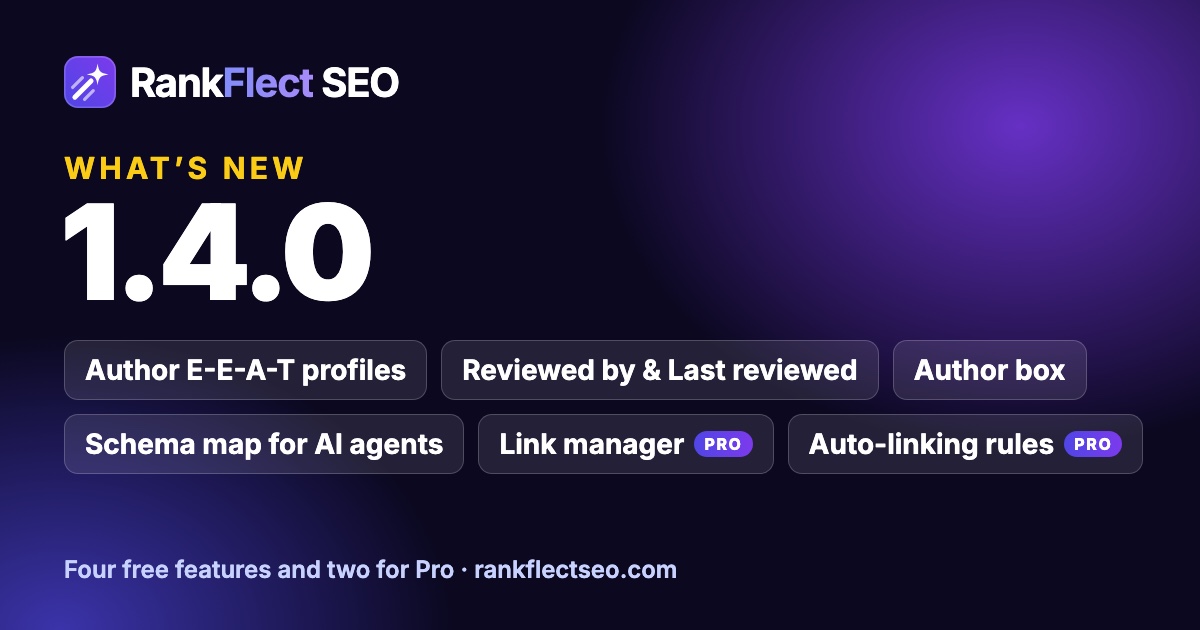
RankFlect SEO 1.4.0 adds author profiles in the Person schema, Reviewed by and Last reviewed for each post, an Author box block and shortcode, and a schema map for AI agents. Pro…
In this article
RankFlect SEO 1.4.0 is about two questions search engines and AI assistants ask about every page: who stands behind this content, and how does it connect to the rest of the site.
Four of the new features are free: author profiles in the schema, a "Reviewed by" field for each post, an Author box, and a schema map for AI agents. RankFlect SEO Pro adds a link manager and auto-linking rules.
As with every release, nothing changes on your site when you update. Profiles are empty, the schema map is off and auto-linking has no rules until you add them.
Author profiles in your schema
Google's guidance on helpful content talks about E-E-A-T: experience, expertise, authoritativeness and trust. Part of that is simple. Readers, search engines and AI assistants want to know who wrote a page and why that person knows the topic.
Until now, the author in RankFlect SEO's Article schema had a name and a link to the author page. In 1.4.0, every user gets a RankFlect SEO author profile section on Users → Profile, with six fields:
- Job title
- Credentials and qualifications, one per line, such as "Registered Dietitian"
- Expertise, topics separated by commas
- Alumni of, schools and universities, one per line
- Profiles, one URL per line: LinkedIn, X, your own site or a professional register
- Short bio
Fill them in and click Update profile. The author of every Article, Blog post or News article then gets jobTitle, hasCredential, knowsAbout, alumniOf, sameAs and description in the schema. Only filled fields are added, so a half-finished profile is fine.
Users can edit their own profile and administrators can edit anyone's, as with the rest of the WordPress profile screen.
Read more: Author profiles and E-E-A-T schema.
Reviewed by and Last reviewed
Some content is written by one person and checked by another: a health article reviewed by a doctor, a tax guide checked by an accountant. 1.4.0 lets you say so.
Open a post, click the RankFlect SEO button in the editor toolbar and choose Advanced. Pick the expert in Reviewed by, set the date in Last reviewed (or click Today) and save. The page's WebPage schema gets reviewedBy, with the reviewer's own author profile, and lastReviewed.
The same two fields are on the Advanced tab in the Classic Editor and in Elementor. They are saved like every other SEO field, so changes appear in the Change Log with one-click undo.
A good habit is to update Last reviewed only when someone actually checked the post again. The date is a promise to your readers, not a freshness trick.
An Author box for readers
Schema is for machines. People want to see the same details on the page. The new Author box (RankFlect SEO) block shows the author's photo, name, job title, bio and profile links, and an optional line such as "Reviewed by Maya Rahman on November 1, 2026".
Add it from the block inserter, for example at the end of a post. In the block settings you can show the post author or any other user, and turn the avatar, the profile links and the "Reviewed by" line on or off. To show it on every post, add it to the single post template in the Site Editor.
Outside the block editor, use the shortcode:
[rankflect_author_box]
It takes user (a user ID or username), avatar, links and reviewed. For example, [rankflect_author_box user="maya" avatar="no"].
Read more: Author box block and shortcode.
One site, one profile: the Person identity
If your site represents one person, such as a consultant, a photographer or a personal blog, Settings → Identity → Person now has an Author profile picker. Choose your user and the site's Person schema takes your job title, credentials, expertise and profiles. Profile links are added to the social profiles you already entered.
Read more: Site identity.
A schema map for AI agents
Your XML sitemap tells crawlers which pages exist. The new schema map tells AI agents what your structured data says, all in one place, so they don't need to load every page to read its JSON-LD.
Turn it on in RankFlect SEO → Settings → Sitemaps, on the Schema map for AI agents card: switch on Publish the schema map and save. You get:
/schemamap.xml, an index with one entry per content type- feeds such as
/schemamap/post.jsonland/schemamap/page.jsonl, 100 items per feed page, in the format used for NLWeb and AI agents - a
Schemamap:line in robots.txt, right under the Sitemap line
The feeds hold the same JSON-LD your pages already print. Noindexed, private and password-protected content is left out, just like in your sitemaps, and nothing is served while the site discourages search engines. The schema map needs the Schema module to be on.
It is off by default. It is a new format, and support for it is still growing, so publish it if you want AI tools to read your structured data easily. Google keeps reading the schema on your pages either way.
Read more: Schema map for AI agents.
Pro: the link manager
Internal links help readers find related content and help search engines understand which pages matter. The hard part is seeing the whole picture. RankFlect SEO Pro now has a Links tab under RankFlect SEO → Content, with three parts.
Link report. Every published post with its incoming internal, outgoing internal and external links. Posts that no other post links to get an Orphan badge and come first. You can filter by content type, search by title and sort by incoming or outgoing links, title or date. If older posts have no counts yet, click Count links now once.
A practical routine: open the report once a month, take the first five orphans, and link to each one from a related post that already gets traffic. The editor's Internal links suggestions (also Pro) help you find the right sentence.
External domains. The sites your content links to most, with how many links point to each one and how many are nofollow, sponsored or UGC. Use it to spot affiliate links that are missing sponsored.
Pro: auto-linking rules
The Auto-linking tab links a keyword to a page wherever it appears. Add a rule with a Keyword and a URL or path, tick Match case if needed, turn on Add links from these rules and click Save.
The rules are careful by design:
- Each rule links only the first match in a post, and whole words only.
- Headings, existing links, code, buttons and captions are skipped.
- A post is never linked to itself, or to a page it already links to.
- Most links added per post limits the total, 3 by default.
Links are added when the page is shown, so the posts saved in WordPress never change. Remove a rule or turn the switch off and its links are gone. Every rule change is listed in the Change Log, where you can revert it.
Keep the rules few and specific: one clear keyword for your best page on each topic.
Read more: Link manager and auto-linking. The link manager and auto-linking rules are part of RankFlect SEO Pro: see plans, with a 14-day money-back guarantee.
How to update
Go to Dashboard → Updates in WordPress, or update RankFlect SEO from the Plugins screen. Your settings and SEO data stay as they are, and every new feature waits until you use it.
For the full list of changes, see the changelog. To compare plans, see RankFlect SEO Free vs Pro.
- #release
- #product update
Written by
RankFlect SEO TeamThe people who build RankFlect SEO, the WordPress SEO plugin with a built-in MCP server. We write about what we learn shipping SEO tools for AI search.
All articles →Let AI agents fix your SEO. You keep the undo button.
RankFlect SEO is free for unlimited sites, with a built-in MCP server, approval for every change and no AI credits.