RankFlect SEO 1.4.1: a collapsible table of contents and GA4 for blocked browsers
RankFlect SEO 1.4.1 lets the table of contents start open or collapsed and hide single headings, in the block and in Elementor. Pro can count Google Analytics visitors whose brows…
In this article
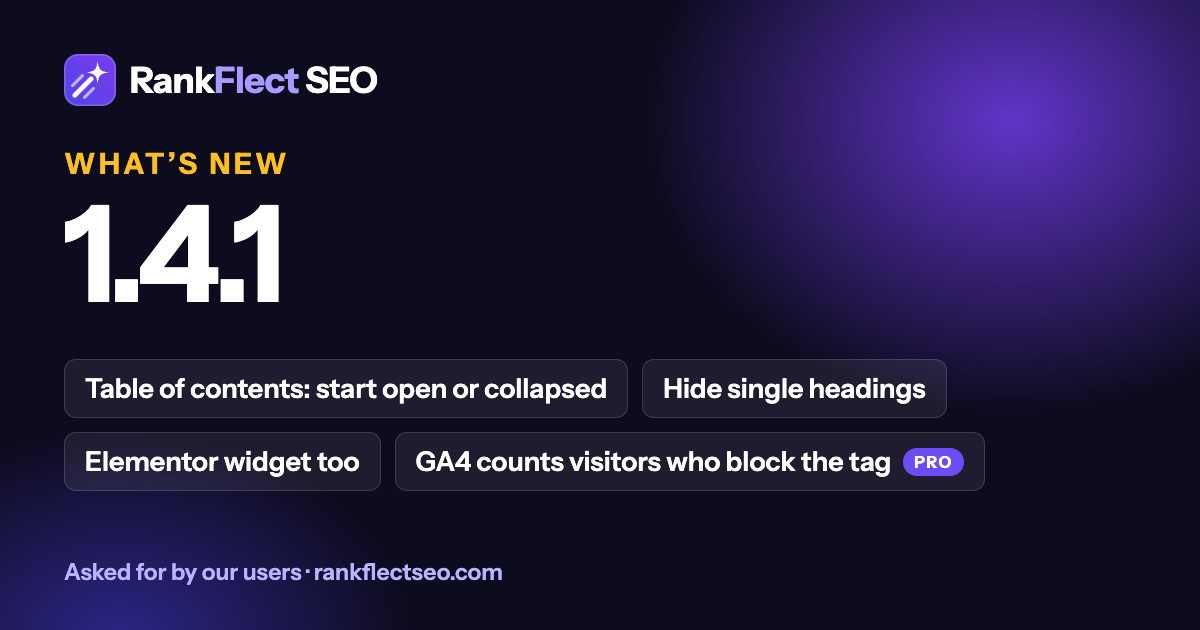
RankFlect SEO 1.4.1 is a small release with two features our users asked for: a table of contents that can fold away, with control over which headings it lists, and a way for Google Analytics to count visitors whose browser blocks the tag.
As always, nothing changes on your site when you update. Existing tables of contents look exactly the same until you change a setting, and the Google Analytics option is off until you turn it on.
A table of contents that can collapse
A long table of contents pushes your introduction down the page. In 1.4.1, the Table of contents (RankFlect SEO) block has a Collapse setting with three choices:
- Always open (no collapsing): the default, the same as before.
- Start open, visitors can collapse it: the full list shows, and the title folds it away.
- Start collapsed, visitors can open it: only the title shows until a visitor opens it. A good fit for long guides.
It uses the browser's own <details> element, so it needs no JavaScript and works with a click, or with Enter and Space on the keyboard. The links and the table of contents schema are the same whether it is open or closed.
Choose which headings to show
Not every heading belongs in a table of contents. A "Related posts" or "Leave a comment" heading usually doesn't. Select the block and open Headings to show in the block settings. Every heading on the page at the levels you included has a tick box. Untick one and the preview updates straight away. The heading stays on the page; it is only left out of the list.
You can also give a heading the CSS class rankflect-toc-hide (select the heading, then Advanced → Additional CSS class(es)). That is handy in templates and patterns, because it hides the heading from every table of contents on the page.
Hidden headings are matched by their text, so case and extra spaces don't matter. If you rename a heading you hid, the panel tells you and offers Clear old entries. The ItemList schema always lists the same headings as the visible list.
The same in Elementor
The Table of contents (RankFlect SEO) widget in Elementor has the same Collapse choices, and a Hide headings box where you enter one heading per line. The rankflect-toc-hide class works there too.
Read more: Table of contents block and Elementor.
Pro: count visitors whose browser blocks Google Analytics
Ad blockers, Brave, Firefox strict mode and Safari's privacy features block googletagmanager.com, so those visits never reach GA4. On some sites that is a large share of the traffic. No plugin can get the normal tag past a blocker, but RankFlect SEO Pro can send those page views to GA4 through your own site instead.
- In GA4, go to Admin → Data streams, click your web stream, open Measurement Protocol API secrets and click Create.
- In RankFlect SEO → Settings → Webmaster tools, turn on Count visitors whose browser blocks Google Analytics.
- Paste the secret into Measurement Protocol API secret and click Save changes.
After each page loads, a small script checks whether the GA4 tag ran. Only when it didn't, the page view goes to your site, which forwards it to GA4. Visitors whose tag works are never counted twice. GA4 receives the page, title, referrer and language only, so location and device show as "(not set)" for these visits, and no IP address or cookie is sent to Google from your server.
One limit to know: it only helps when the GA4 tag itself is blocked. If a blocker lets the tag load but stops what it sends, that visit is still missed. Bots and crawlers are ignored, and it follows the WP Consent API when your consent plugin supports it.
Read more: Count visitors whose browser blocks the tag.
Update
Go to Dashboard → Updates, or Plugins, and update RankFlect SEO. Pro sites get the update the same way. The full list of changes is on the changelog.
Both features came from user feedback. If something would make RankFlect SEO more useful on your site, email us at [email protected].
- #release
- #product update
Written by
RankFlect SEO TeamThe people who build RankFlect SEO, the WordPress SEO plugin with a built-in MCP server. We write about what we learn shipping SEO tools for AI search.
All articles →Let AI agents fix your SEO. You keep the undo button.
RankFlect SEO is free for unlimited sites, with a built-in MCP server, approval for every change and no AI credits.