Google AI Overviews SEO: How to Get Cited on WordPress in 2026
What Google really requires to appear in AI Overviews, what is speculation, how snippet controls work and a practical WordPress checklist to follow.
In this article
- Key takeaways
- What Google actually says about AI Overviews
- Known facts vs speculation
- What is confirmed
- What is speculation
- The Google AI Overviews SEO checklist for WordPress
- How to use snippet controls (and when not to)
- How to measure AI Overviews in Search Console
- How RankFlect SEO handles the technical side
- Frequently asked questions
- Can I pay or apply to appear in Google AI Overviews?
- Does schema markup help with AI Overviews?
- How do I stop Google from using my content in AI Overviews?
- Can I see AI Overviews traffic in Search Console?
- Is there a guaranteed way to rank in AI Overviews?
Google AI Overviews SEO comes down to one rule from Google itself: to appear as a supporting link, a page must be indexed and eligible to show in Google Search with a snippet. There is no special markup, file or trick on top of that. This guide separates what Google has confirmed from what is guesswork, then gives you a WordPress checklist you can work through today.
Key takeaways
- Google says there are no extra requirements and no special optimizations needed to appear in AI Overviews or AI Mode. Normal SEO is the entry ticket.
- A page must be crawlable by Googlebot, indexed and allowed to show a snippet. A
nosnippettag keeps it out of AI Overviews as a direct input. - You don't need llms.txt, AI text files or new schema types for Google's AI features. Structured data still helps, as long as it matches the visible page.
- Search Console counts AI feature traffic in the Performance report, and since 2026 it also has dedicated generative AI reports that show impressions.
- Nobody can guarantee a spot in an AI Overview. You can only remove the reasons Google would skip your page.
What Google actually says about AI Overviews
Google's Search Central page AI features and your website is the primary source, and it is short and direct. In Google's words: "There are no additional requirements to appear in AI Overviews or AI Mode, nor other special optimizations necessary."
The same page sets out the conditions that do apply:
- Indexed and snippet-eligible. To be a supporting link, a page must be indexed and eligible to be shown in Google Search with a snippet.
- No guarantee. Meeting the technical requirements doesn't mean Google will crawl, index or show the page.
- Not every search gets one. AI Overviews only appear when Google's systems judge them to add something beyond classic results.
- Query fan-out. AI Overviews and AI Mode may run several related searches across subtopics to build an answer. That can surface a wider set of pages than a single classic results page.
- No new files or markup. You don't need machine-readable AI files or special schema.org markup to be included.
Google repeated the same message in its May 2025 post Top ways to ensure your content performs well in Google's AI experiences: the fundamentals it has always advised carry over to the new features.
Known facts vs speculation
A lot of advice about AI Overviews is confident but unproven. It helps to sort it into two piles before you spend time on it.
What is confirmed
- Googlebot crawls for AI Overviews and AI Mode. Your Googlebot rules in robots.txt control access for both classic Search and its AI features.
- The
nosnippetrobots rule prevents a page from being used as a direct input for AI Overviews and AI Mode.max-snippetlimits how much text can be used. - Google-Extended controls whether your content is used to train Gemini and to ground some other Google AI products. Google says it does not govern Search, so it does not affect AI Overviews.
- Structured data should match the visible text on the page.
What is speculation
- "Write in chunks for AI." Clear, well-sectioned pages are easier for anyone to quote, but Google has not published a passage format that AI Overviews prefer.
- "Add llms.txt for Google." Google's John Mueller said, when asked whether Google's own llms.txt files were an endorsement, that they were not (Search Engine Roundtable, January 2026). llms.txt is not a Google ranking factor.
- "Use a special AI schema type." There isn't one. Google says no special schema.org markup is required.
- Exact ranking factors for citations. Google has not published them. Third-party studies show correlations, not causes.
One more piece of context: AI Overviews change click patterns. An Ahrefs study published in February 2026 found that the presence of an AI Overview correlated with a 58% lower average click-through rate for the top-ranking page, using December 2025 data. Google, for its part, says clicks from pages with AI Overviews tend to be higher quality. Both can be true, which is why measuring conversions matters more than raw clicks.
The Google AI Overviews SEO checklist for WordPress
Work through these steps in order. Each one maps to something Google has said, not to a theory.
- Make sure Google can crawl the site. In WordPress, go to Settings → Reading and confirm Discourage search engines from indexing this site is unticked. Then open
yoursite.com/robots.txtand check nothing blocks Googlebot from your content, CSS or JavaScript. Google also asks you to check your CDN and hosting, because bot protection can block crawlers before they reach WordPress. - Get important pages indexed. Keep your XML sitemap on and submit it in Search Console. Use the URL Inspection tool on your key pages to confirm they are indexed and that Google sees the content you expect.
- Check your snippet controls. View the page source and find the robots meta tag. A tag such as
index, follow, max-snippet:-1allows full-length snippets. Anosnippetormax-snippet:0keeps the page out of AI Overviews as a direct input. - Keep the main content in text. Google lists this as a best practice. Content locked in images, sliders or tabs loaded after a click is harder to use.
- Answer the question clearly. Open each important section with a direct answer, then add the detail. Use one heading per subtopic, because query fan-out searches subtopics too.
- Add structured data that matches the page. Article, Product, FAQPage, Organization and BreadcrumbList are the usual WordPress set. Never mark up content that isn't visible.
- Link related pages together. Internal links help Google find and understand pages, and Google names them in its AI features guidance.
- Support text with images and video where they help, and keep Merchant Center and your Business Profile up to date if you sell products or serve a local area.
- Keep content people-first. Google's long-standing advice on helpful, reliable content is the same advice it gives for AI features. Unique information, real experience and specific details are what make a page worth linking.
How to use snippet controls (and when not to)
Snippet controls let you limit what Google shows from your pages, including in AI Overviews. They are documented in Google's robots meta tag reference. Use them with care: the stricter the setting, the less your content can appear in AI features.
<!-- Allow full snippets (what most sites want) -->
<meta name="robots" content="index, follow, max-snippet:-1">

<!-- No snippet: also not used as direct input for AI Overviews and AI Mode -->
<meta name="robots" content="nosnippet">

<!-- Limit snippets to 50 characters -->
<meta name="robots" content="max-snippet:50">

<!-- Exclude one part of a page from snippets -->
<div data-nosnippet>Members-only pricing details</div>
Some practical rules:
- Use
nosnippetonly on pages you truly don't want summarized, such as paid content previews. It also removes the text snippet from classic results. - Use
data-nosnippetonspan,divorsectionelements to hide a specific passage from snippets while keeping the rest of the page eligible. Google's reference describes it for snippets; it does not say anything separate about AI Overviews. - Use
noindexif a page shouldn't be in Search at all. - After you change a control, check it with URL Inspection. Google says it can take days to months to recrawl.
How to measure AI Overviews in Search Console
Google says traffic from AI features is included in your overall search traffic, in the Performance report under the Web search type. That means clicks and impressions from AI Overviews are already in your numbers, mixed in with classic results.
On June 3, 2026, Google announced Search Generative AI performance reports in Search Console. Key points from the announcement:
- The reports show impressions: how often URLs from your site appeared in generative AI features in Search and Discover.
- They break the data down by page, country, device and date.
- Google first rolled them out to a subset of sites, then updated the post to say they reached all websites worldwide as of August 31, 2026.
- The announcement groups AI Overviews and AI Mode together as generative AI features in Search.
Use these reports to see which pages Google already shows in AI features, then compare them with your classic Performance data. A page with many AI impressions but falling clicks may need a stronger reason to visit: a tool, a template, pricing or first-hand detail that a summary can't replace.
In Google Analytics 4, visits from AI Overviews arrive as Google organic traffic, so you can't separate them there. Track conversions per landing page instead, as Google itself recommends measuring the overall value of visits rather than clicks alone. For visits from other assistants, see how to track ChatGPT referral traffic in Google Analytics.
How RankFlect SEO handles the technical side
Everything above works with any setup. If you use RankFlect SEO, most of the technical checklist is already in place and easy to check.
- Robots meta. Published posts, pages and products get
index, follow, max-snippet:-1, max-image-preview:large, max-video-preview:-1by default, so they are snippet-eligible. Per post, the Robots Meta Override includes No snippet for the rare page you want excluded. See noindex, nofollow and canonical URLs. - robots.txt. RankFlect SEO writes the virtual robots.txt, adds your sitemap line and lets you allow or block AI crawlers one by one. Googlebot is never touched by those switches. See Edit robots.txt.
- Sitemaps. XML sitemaps leave out noindexed content automatically. See XML sitemaps.
- Structured data. Article, Product, Organization and breadcrumb schema are output as one connected graph. See how RankFlect SEO's schema works.
- Audit. The site audit runs automatically every 7 days on every plan and flags indexing, metadata and AI search issues. See Run a site audit.
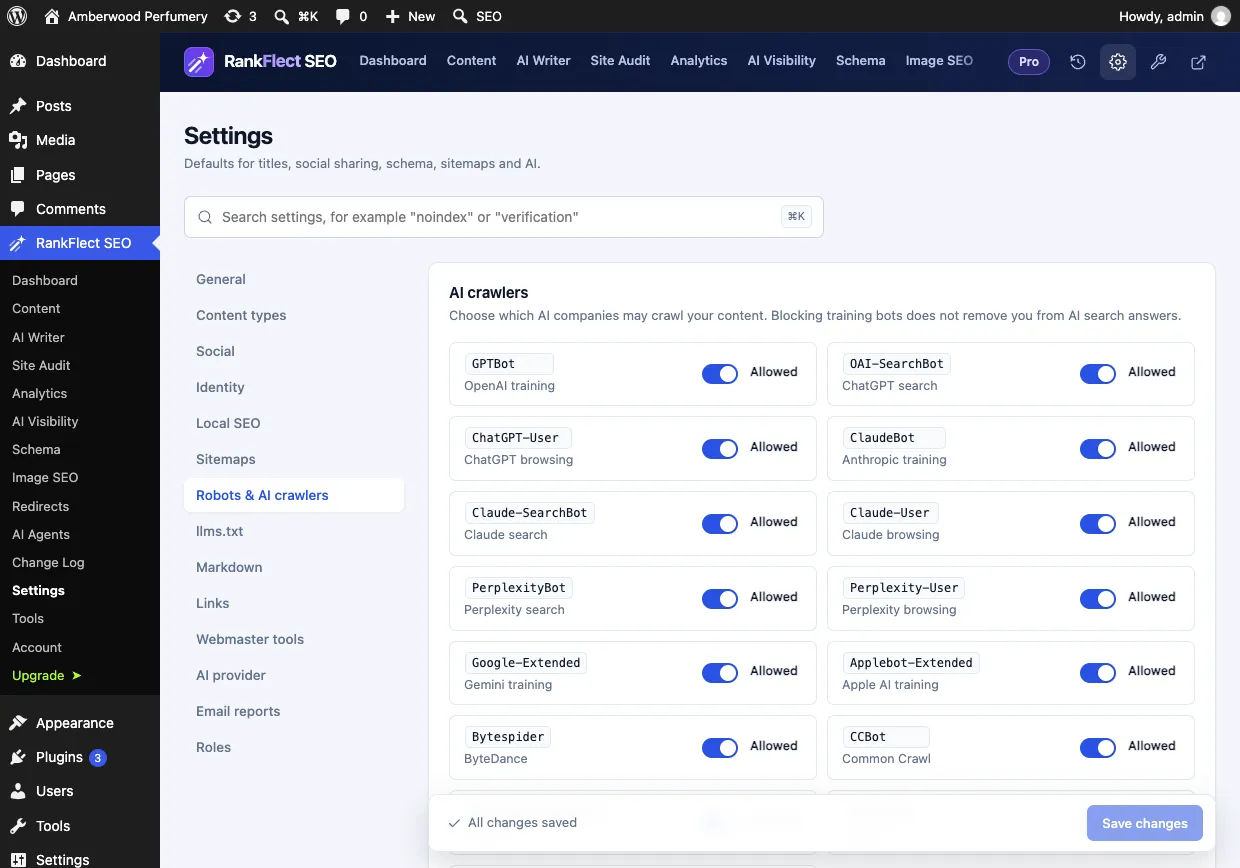
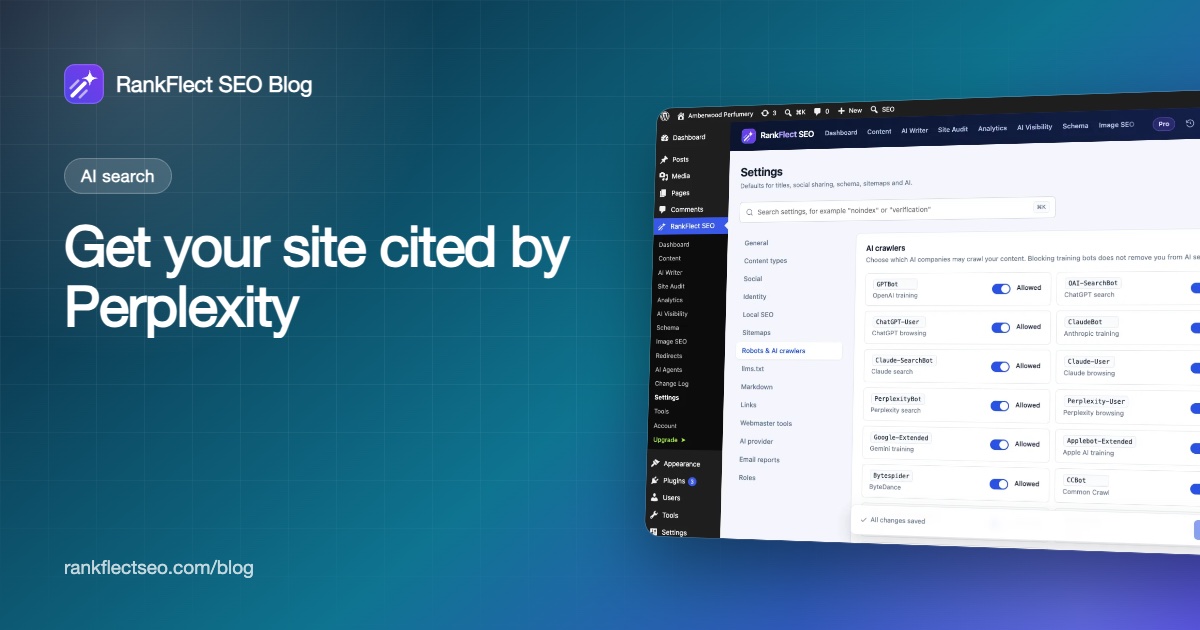
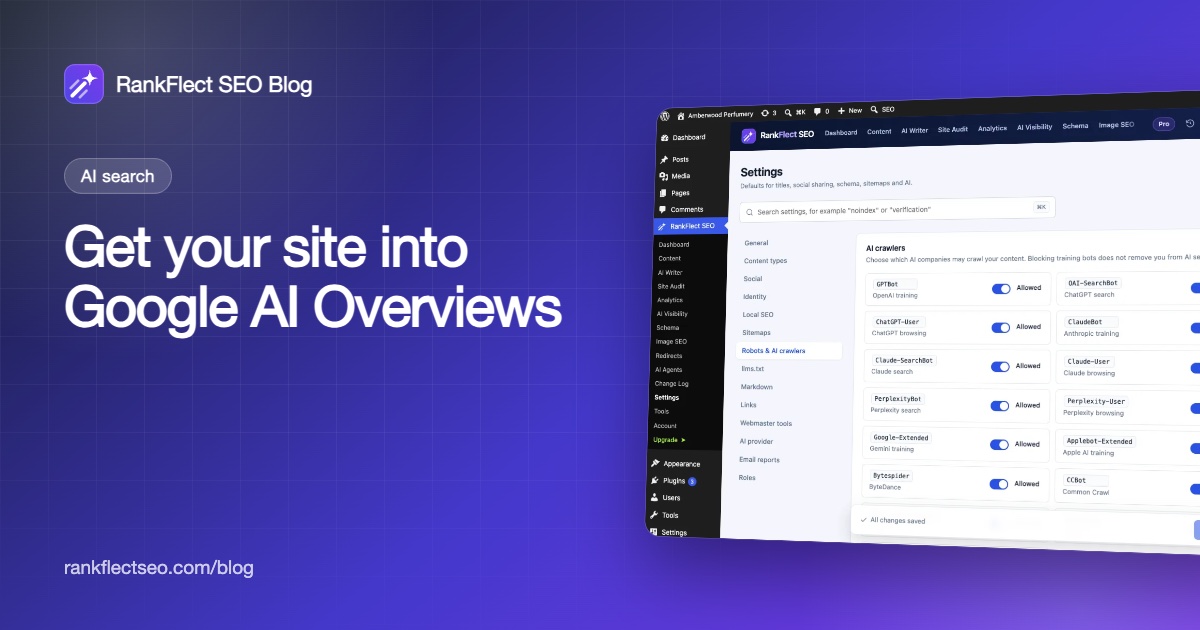
The Robots & AI crawlers settings above note that blocking training bots does not remove you from AI search answers. That applies to Google too: switching off Google-Extended opts you out of Gemini training without affecting Googlebot, AI Overviews or your rankings.
For a broader plan that also covers ChatGPT, Claude and Perplexity, the AI search checklist walks through each setting. If you want to try it on your own site, download RankFlect SEO free.
Frequently asked questions
Can I pay or apply to appear in Google AI Overviews?
No. There is no application or paid placement for organic supporting links. Google selects pages from its index, and only pages that are indexed and snippet-eligible can be chosen.
Does schema markup help with AI Overviews?
Google says no special schema is required to appear. Structured data still helps Google understand your pages and keeps you eligible for rich results, so it is worth having, as long as it matches the visible content.
How do I stop Google from using my content in AI Overviews?
Use the nosnippet robots rule, or max-snippet to limit how much text is used. Be aware that both also affect your classic search snippets. Blocking Google-Extended does not remove you from AI Overviews.
Can I see AI Overviews traffic in Search Console?
Yes, partly. AI feature clicks and impressions are included in the Performance report under Web search. The generative AI performance reports Google launched in 2026 show impressions in AI features by page, country, device and date.
Is there a guaranteed way to rank in AI Overviews?
No. Google says even pages that meet every requirement aren't guaranteed to be crawled, indexed or shown. The realistic goal is to make your best pages fully eligible and genuinely the most useful answer.
- #ai overviews
- #google ai mode
- #ai search
- #wordpress seo
- #search console
Written by
RankFlect SEO TeamThe people who build RankFlect SEO, the WordPress SEO plugin with a built-in MCP server. We write about what we learn shipping SEO tools for AI search.
All articles →Let AI agents fix your SEO. You keep the undo button.
RankFlect SEO is free for unlimited sites, with a built-in MCP server, approval for every change and no AI credits.