ChatGPT Referral Traffic in Google Analytics: How to Track It
Where ChatGPT visits show up in GA4, how to build a custom AI channel, and why AI referral numbers are always a minimum.
In this article
- Key takeaways
- How ChatGPT visits appear in GA4
- Find ChatGPT referral traffic in Google Analytics 4
- Build an exploration for every AI assistant
- Create a custom AI channel group
- What to look at once you can see ChatGPT traffic
- Why your ChatGPT numbers look low
- Track ChatGPT referral traffic in WordPress
- Frequently asked questions
- Does Google Analytics track ChatGPT traffic automatically?
- Why does ChatGPT traffic show as utm_source=chatgpt.com?
- Is ChatGPT traffic counted as referral or organic search?
- Why are my ChatGPT visits much lower than my AI crawler hits?
To see ChatGPT referral traffic in Google Analytics, open Reports → Acquisition → Traffic acquisition in GA4 and look at the AI Assistant channel, or filter the session source for chatgpt.com. Since May 2026, GA4's default channel group has had an AI Assistant channel for visits from assistants such as ChatGPT, Gemini and Claude. This guide shows where to find the numbers, how to build a custom view that covers every assistant, which pages ChatGPT sends people to, and why the totals are always a minimum.
Key takeaways
- ChatGPT visits show up in GA4 with the session source
chatgpt.com(older links may showchat.openai.com). - GA4's default channel group now includes an AI Assistant channel, with the medium
ai-assistant. - A custom channel group with a regex on session source lets you define exactly which assistants count, and it can be applied to past data.
- Many links from ChatGPT carry
utm_source=chatgpt.com, which GA4 uses as the session source. - Some AI app visits arrive without a referrer and land in Direct, so treat AI referral numbers as a floor.
How ChatGPT visits appear in GA4
When someone clicks a link in a ChatGPT answer, the visit reaches your site in one of three ways:
- With a referrer. The browser passes
chatgpt.comas the referring site, and GA4 records it as the session source. - With a UTM tag. ChatGPT adds
utm_source=chatgpt.comto many links. GA4 uses that tag as the session source even if the referrer is missing. - With nothing. Some apps open links without a referrer or tag. GA4 can't tell where the visit came from and records it as Direct.
The first two are measurable. The third is lost to every analytics tool, which is why AI referral numbers undercount real traffic.
Find ChatGPT referral traffic in Google Analytics 4
Google announced the change in its Analytics release notes on May 13, 2026: GA4 now measures traffic from popular AI assistants as its own channel. According to Google's default channel group definitions, sessions are placed in the AI Assistant channel when the medium is ai-assistant, which GA4 sets (with the campaign (ai-assistant)) when the referrer matches its list of AI assistants.
To see the numbers:
- In GA4, go to Reports → Acquisition → Traffic acquisition.
- Keep the primary dimension on Session default channel group and find the AI Assistant row. It shows sessions, engagement and key events for all recognised assistants.
- To split it by assistant, change the primary dimension to Session source / medium and search the table for
chatgpt. - Pick a date range of at least 28 days. AI referral volumes are often small, and a single week can be noisy.
Google maintains the list of assistants behind this channel. When you compare with periods before the channel existed, check how those older sessions are classified in your own property; earlier ChatGPT visits may sit under Referral.
Build an exploration for every AI assistant
An exploration gives you full control over what counts as AI traffic and lets you add landing pages and key events in one table.
- Go to Explore and start a Free form exploration.
- Add the dimensions Session source and Landing page + query string, and the metrics Sessions, Engaged sessions and Key events.
- Add a filter: Session source matches regex, with a pattern such as:
chatgpt\.com|chat\.openai\.com|perplexity|claude\.ai|gemini\.google|copilot\.microsoftPut Session source in the rows and Landing page in a second row level. You now see which pages each assistant sends visitors to, and whether those visitors engage or convert. Extend the pattern as new assistants start sending traffic.
Create a custom AI channel group
If you want AI traffic as a channel in your standard reports with your own definition, create a custom channel group. Google's guide to custom channel groups describes the steps:
- In Admin, under Data display, click Channel groups. You need the Editor role or higher.
- Click Create new channel group. This starts from a copy of the default group.
- Click Add new channel, name it (for example "AI assistants"), and add a condition: Source matches regex, with the pattern above.
- Click Reorder and drag your channel above Referral. GA4 assigns each session to the first channel it matches, so a channel below Referral never receives anything.
- Click Save group, then pick the new group in the Traffic acquisition report.
Google says custom channel groups can be applied to your reports retroactively, so you can see past AI traffic with your new definition. Standard properties can have two custom groups in addition to the default group.
What to look at once you can see ChatGPT traffic
Counting sessions is the start. These questions turn the numbers into decisions:
- Which pages does ChatGPT send people to? Those are the pages it trusts for your topics. Keep them accurate and current.
- Do AI visitors engage? Compare the engagement rate of AI sessions with organic search. If AI visitors engage less, check that the landing page answers the question the assistant sent them with.
- Do they convert? Add key events such as sign-ups, enquiries or purchases. A small channel with high conversion can be worth more than it looks.
- Is it growing? Compare month over month. Assistant usage changes quickly.
- Which pages get nothing? Important pages that never appear may need clearer answers, better structure or fresher facts.
If you want ChatGPT to mention and link to you more often, our guide on how to get cited by ChatGPT covers what helps. No tool can guarantee citations.
Why your ChatGPT numbers look low
- Missing referrers. Visits opened from some apps without a referrer or UTM tag are counted as Direct.
- Consent banners. If visitors decline analytics cookies and GA4 doesn't run, those visits aren't counted at all.
- Answers without clicks. Assistants often answer without linking, and people don't always click the link when there is one.
- Tag problems. A missing or duplicated GA4 tag distorts every channel. Check the page source for a single
gtag/js?id=G-line.
Treat AI referral numbers as a minimum. A rise in Direct traffic to deep content pages, at the same time as AI referrals grow, can be a hint that some AI visits are arriving without a source.
Track ChatGPT referral traffic in WordPress
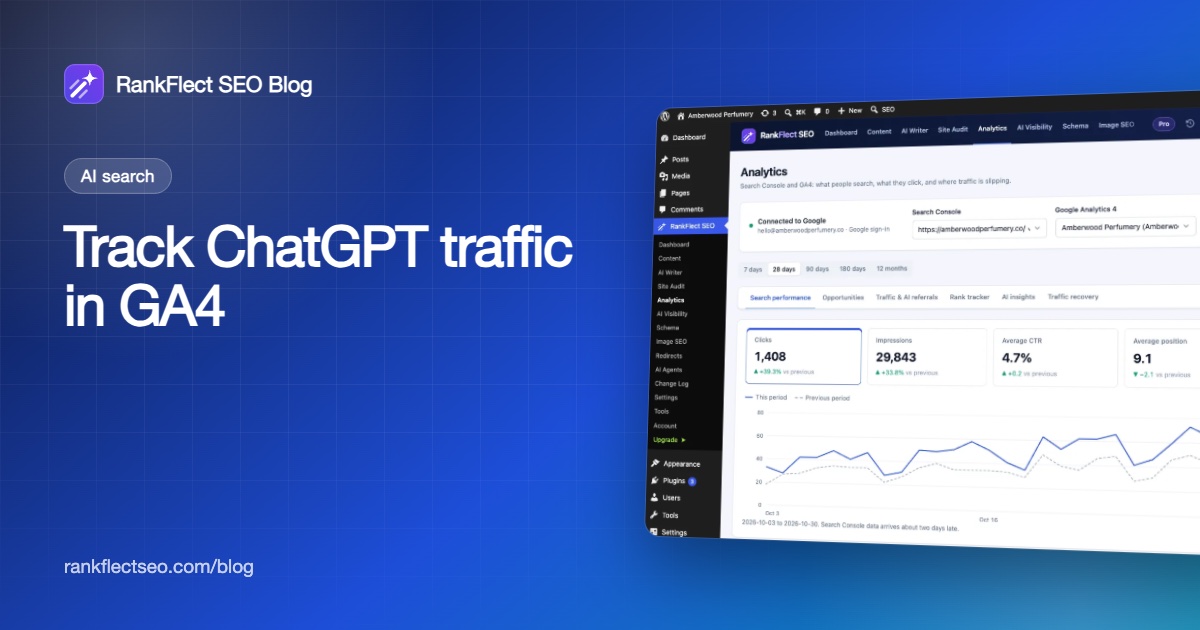
If your site runs on WordPress, RankFlect SEO can add the GA4 tag and show AI assistant visits in your dashboard, without building explorations.
- Add the GA4 tag. If no other plugin or your theme adds it, paste your
G-Measurement ID in RankFlect SEO → Settings → Webmaster tools. Logged-in editors and admins are excluded by default. Don't add the tag twice. See Add the Google Analytics 4 tag. - Connect Google. In RankFlect SEO → Analytics, sign in and choose your GA4 property. See Connect Google Search Console and GA4.
- Open Traffic & AI referrals. The Visits from AI assistants card shows the total for the period, the previous period, and a bar per assistant with sessions and key events.
The report is free. It recognises ChatGPT by chatgpt.com or chat.openai.com in the session source, and also Perplexity, Claude, Gemini, Copilot, You.com, Phind, DeepSeek, Meta AI, Grok and Le Chat. Because it reads GA4's session source, visits tagged with utm_source=chatgpt.com are counted too. The full list is in Measure traffic from AI assistants, and the other GA4 numbers on the tab are explained in Search and traffic reports. RankFlect SEO Pro adds top organic landing pages to the same tab.
For WooCommerce stores, AI referral revenue in RankFlect SEO Pro credits each paid order to the assistant that sent the shopper, using a first-party cookie that lasts 30 days, and reports revenue, orders and average order value per assistant. It runs on your own site and doesn't need GA4.
Referrals are different from AI crawlers. A referral is a person clicking a link; a crawler is a bot reading your pages. RankFlect SEO logs crawler visits separately, as described in Control and track AI crawlers. You can download RankFlect SEO free to see both on your own site.
Frequently asked questions
Does Google Analytics track ChatGPT traffic automatically?
Yes, when the visit carries a referrer or UTM tag. GA4 records chatgpt.com as the session source, and its default channel group places recognised AI assistants in the AI Assistant channel. Visits without any source information are counted as Direct.
Why does ChatGPT traffic show as utm_source=chatgpt.com?
ChatGPT adds that parameter to many of the links it shows. GA4 reads it as the session source, which helps attribution when the browser doesn't pass a referrer.
Is ChatGPT traffic counted as referral or organic search?
It isn't organic search. Before GA4 added the AI Assistant channel, it usually appeared under Referral. Now recognised assistants have their own channel in the default channel group, and you can define your own with a custom channel group.
Why are my ChatGPT visits much lower than my AI crawler hits?
Being read is not the same as being linked to. Crawlers fetch pages to train models, build search indexes or answer live questions, while referrals only happen when an answer links to you and someone clicks.
- #chatgpt traffic
- #ga4
- #ai referrals
- #google analytics
- #ai search
Written by
RankFlect SEO TeamThe people who build RankFlect SEO, the WordPress SEO plugin with a built-in MCP server. We write about what we learn shipping SEO tools for AI search.
All articles →Let AI agents fix your SEO. You keep the undo button.
RankFlect SEO is free for unlimited sites, with a built-in MCP server, approval for every change and no AI credits.