Best WordPress MCP Plugin in 2026: What Each One Can Change
WordPress.com MCP, the official MCP Adapter, AIOSEO, SEOPress, Rank Math and RankFlect SEO compared: what each lets an AI read and change, and how it stays safe.
In this article
- Key takeaways
- What to compare in a WordPress MCP plugin
- WordPress.com MCP
- The official WordPress MCP Adapter
- SEO plugins with MCP features
- AIOSEO
- SEOPress
- Rank Math
- RankFlect SEO
- How to choose the best WordPress MCP plugin for you
- Frequently asked questions
- Do I need a plugin to use MCP with WordPress?
- What is the difference between the Abilities API and MCP?
- Is an Application Password safe for an MCP connection?
- Can I use ChatGPT with a WordPress MCP plugin?
- Can two MCP plugins run on one site?
The best WordPress MCP plugin depends on what you want an AI agent to change: whole posts and site content, a general set of abilities from many plugins, or only your SEO. In late 2026 the main options are WordPress.com's MCP server, the official WordPress MCP Adapter, the MCP features built into SEO plugins such as AIOSEO, SEOPress and Rank Math, and RankFlect SEO. This comparison sets out what each one can read and change, how agents sign in and which safety controls each documents.
Key takeaways
- WordPress.com's MCP server is the broadest: agents can create, edit and delete content, within the user's role.
- The official MCP Adapter exposes "abilities" that plugins register through the WordPress Abilities API (WordPress 6.9+). AIOSEO and Rank Math build on it.
- SEOPress and RankFlect SEO serve MCP from their own endpoints with OAuth sign-in for web apps such as claude.ai and ChatGPT.
- Safety controls differ more than tool counts do. Check for scoped access, previews, approval, a change log and undo.
- All details below come from each vendor's own documentation at the time of writing. Features change quickly, so check before you decide.
What to compare in a WordPress MCP plugin
If you are new to MCP, our WordPress MCP server guide explains how servers, clients and transports fit together. When comparing plugins, four questions matter more than the number of tools:
- Scope. What can the agent read, and what can it change? Content, settings, SEO fields, redirects?
- Sign-in. OAuth with a consent screen, a scoped token, or a WordPress Application Password that carries the user's full role?
- Safety controls. Can you limit access per area, preview writes, require approval, see a log and undo a change?
- Clients. Does it work with the AI you use, including web apps such as claude.ai and ChatGPT, which need a public HTTPS site?
WordPress.com MCP
WordPress.com runs a hosted MCP server for WordPress.com sites. According to its MCP support page, it is available on every WordPress.com site, including free ones, and self-hosted sites connected through Jetpack can use it without a Jetpack plan.
- Reads and changes: tools are split into Read (posts, stats, settings) and Write (creating, editing and deleting content, such as publishing a post). Settings changes depend on the user's role.
- Sign-in: OAuth 2.1 in the browser. Claude and ChatGPT have listed integrations; other clients use the server URL.
- Safety controls: tool access follows user roles and can be set account-wide, per site, or with sites excluded. Depending on settings, the agent may ask before writes, and permanent deletions always ask. Agent changes appear in the site's Activity Log, and Business and Commerce sites can restore from backups.
- Best for: WordPress.com or Jetpack sites where you want an AI to work on content itself, not just SEO.
The official WordPress MCP Adapter
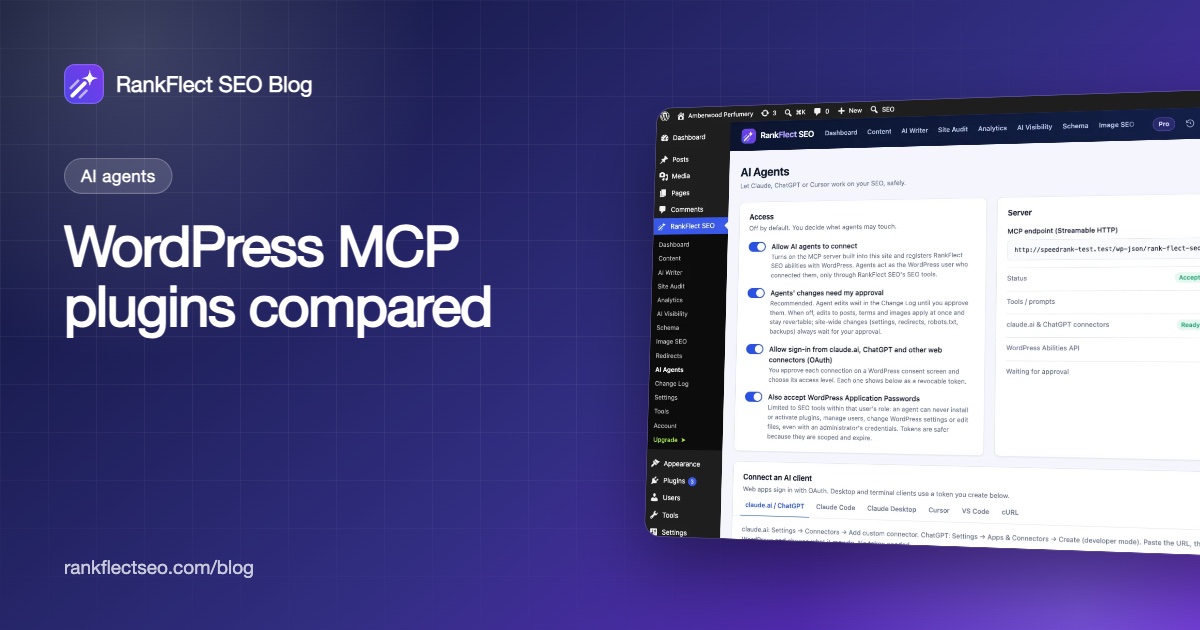
WordPress 6.9 added the Abilities API, a standard way for plugins to describe what they can do. The WordPress MCP Adapter exposes those abilities as MCP tools, resources and prompts.
- Reads and changes: whatever abilities your plugins register and mark public. Its repository says abilities are private by default until marked public for MCP. The default server offers three meta-tools (discover abilities, get ability info, execute ability) at
/wp-json/mcp/mcp-adapter-default-server. - Sign-in: HTTP or STDIO through WP-CLI, with per-server transport permissions. The SEO plugin guides that use it, from AIOSEO and Rank Math, have agents sign in with an Application Password.
- Safety controls: opt-in exposure and a permission check on every ability. Previews, approval and undo are up to the plugin that registers each ability.
- Best for: developers who want one MCP server for abilities from several plugins.
SEO plugins with MCP features
AIOSEO
AIOSEO added MCP in version 4.9.8. Its setup guide says it needs WordPress 6.9 or later, registers SEO abilities and installs the free MCP Adapter plugin in one click.
- Reads and changes: the free version provides 13 abilities, such as reading and updating post SEO data and finding posts missing SEO fields. Pro adds taxonomy, redirect and Search Statistics abilities; Search Statistics needs an Elite license, and Link Assistant abilities need that addon.
- Sign-in: a WordPress Application Password, which the guide says grants the same access as your user account. It lists Claude Desktop, Claude Code, Gemini CLI, Cursor and VS Code, and says ChatGPT connectors use a different sign-in method.
- Safety controls documented: the password is shown once and can be revoked from your profile. The guide does not describe previews, approval or undo.
SEOPress
SEOPress first registered abilities in version 10 and added a built-in MCP server in 10.3. Its MCP server guide describes its own endpoint, /wp-json/seopress/mcp/v1, which is off by default.
- Reads and changes: the 10.3 announcement listed 27 tools (14 free, 13 PRO). The current guide lists 21 free tools for post and term titles, descriptions, robots and social data, content analysis and reports, and 15 PRO tools for redirections, structured data, target keywords, AI generation, image upload and the technical audit.
- Sign-in: OAuth 2.1 with PKCE by default, with Application Passwords as a fallback. It lists claude.ai, Claude Desktop, Claude Code, ChatGPT and Cursor.
- Safety controls documented: read-only connections chosen on the approval screen and enforced by the server, a per-tool switch to stop serving any tool, and one-click revocation. Connections act with the user's own capabilities, and API keys are never returned. The guide notes that changes save directly to the live site and does not describe a change log or undo.
Rank Math
Rank Math's knowledge base describes MCP tools built by Rank Math for configuring the plugin from an AI assistant.
- Reads and changes: tools such as
rank-math/get-settingsand a system status report, plus setters for site identity, global and homepage SEO, modules, sitemaps, breadcrumbs, post type SEO and link settings. The page mentions further tools for audits and AI visibility. - Sign-in: its ChatGPT guide connects through the MCP Adapter's default server with a WordPress username and Application Password.
- Safety controls documented: the setup guide does not describe approval, previews, logging or undo.
RankFlect SEO
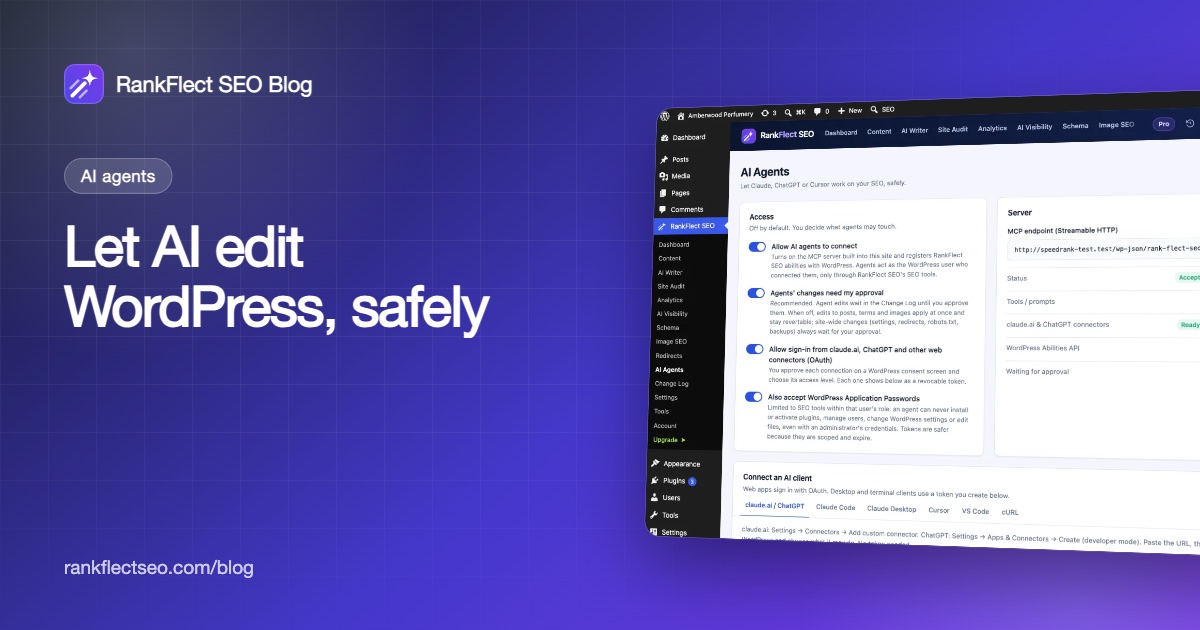
RankFlect SEO is our plugin, so weigh this section accordingly. It has a built-in MCP server for SEO work, free on every site, at /wp-json/rank-flect-seo/v1/mcp.
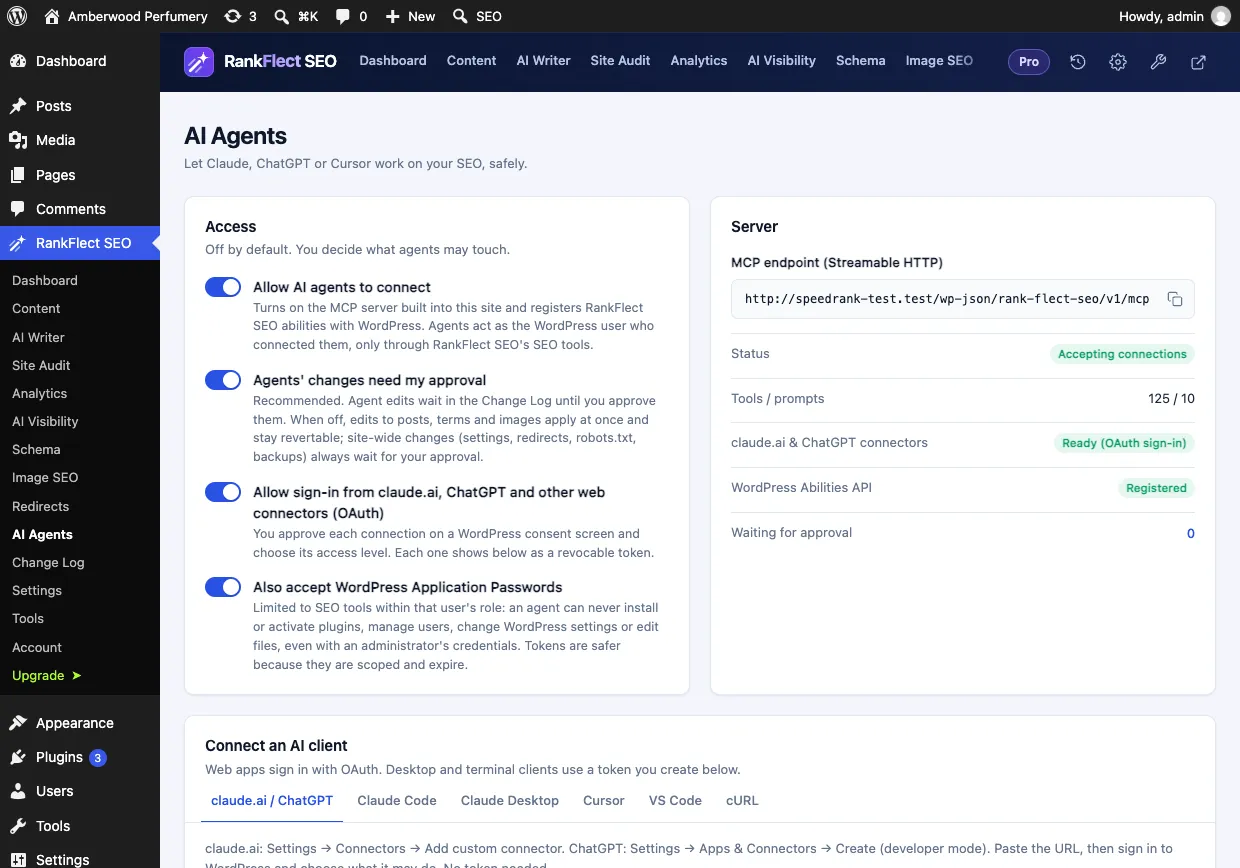
- Reads and changes: 101 tools on a free site and 128 with Pro, plus a few more when Google is connected. They cover post and term SEO fields, focus keywords, schema, alt text, redirects, sitemaps, llms.txt, the site audit, Search Console and GA4 data, and AI-written drafts saved as drafts. The full list is in the MCP tool reference. It also ships eleven ready-made workflows as MCP prompts.
- Sign-in: claude.ai and ChatGPT connect by URL with OAuth and a WordPress consent screen (Read only, Content editor or Full). Claude Code, Claude Desktop, Cursor and VS Code use agent tokens with per-area None, Read or Write access and an expiry date; see agent tokens and scopes. Application Passwords are accepted unless you turn them off.
- Safety controls: off by default; every write accepts
dry_run; approval mode is on by default and agents cannot approve their own changes; site-wide changes (settings, redirects, backups) always wait for an administrator; every write is recorded in the Change Log with before and after values and can be reverted. Four tools, for modules, robots.txt, verification codes and backup restores, are never offered to agents. See approval mode, dry runs and undo. - Abilities API: on WordPress 6.9 and later it also registers its tools as abilities, so an MCP Adapter setup can use them, with the same approval and Change Log rules. See WordPress Abilities API support.
- Not in scope: it does not write or edit your post body beyond FAQ blocks, internal links and broken link fixes, and it never publishes.
How to choose the best WordPress MCP plugin for you
- You want an AI to write and publish content on a WordPress.com site: WordPress.com MCP is built for that. Check its write-confirmation settings before you start.
- You build tools across several plugins: the MCP Adapter gives you one server for many plugins' abilities.
- You already use an SEO plugin and only want light AI access: try its own MCP feature first. Switching SEO plugins for MCP alone is rarely worth it; if you do switch, follow a safe migration process.
- You want agents doing ongoing SEO work with a review step: look for approval, a change log and undo, not just the tool count. That is the gap RankFlect SEO was built to fill, and you can download it free.
Whatever you choose, connect with the narrowest access that does the job, prefer OAuth or scoped tokens over an administrator's Application Password, and run more than one MCP plugin only if you know which one owns each field.
Frequently asked questions
Do I need a plugin to use MCP with WordPress?
On a self-hosted site, yes: core WordPress 6.9 provides the Abilities API, but an MCP server comes from the MCP Adapter or a plugin with its own endpoint. WordPress.com sites, and Jetpack-connected sites, can use WordPress.com's hosted MCP server.
What is the difference between the Abilities API and MCP?
The Abilities API is a WordPress feature where plugins describe what they can do. MCP is the protocol AI clients use to call tools. The MCP Adapter connects the two, while some plugins also serve MCP directly with their own sign-in and permissions.
Is an Application Password safe for an MCP connection?
It is a supported WordPress feature, but it carries the full permissions of that user's role. If a plugin uses one, connect as a user with the least privileges that still do the job, and revoke the password when you stop using it.
Can I use ChatGPT with a WordPress MCP plugin?
ChatGPT connects to remote MCP servers over HTTPS, so your site must be public. WordPress.com, SEOPress and RankFlect SEO document ChatGPT connections; AIOSEO's guide says ChatGPT is not supported through its setup.
Can two MCP plugins run on one site?
Yes, they are separate endpoints. But two SEO plugins should not both output meta tags, so run only one SEO plugin and use the other's MCP feature only if it is your active SEO plugin.
- #wordpress mcp
- #mcp
- #ai agents
- #abilities api
- #seo plugins
Written by
RankFlect SEO TeamThe people who build RankFlect SEO, the WordPress SEO plugin with a built-in MCP server. We write about what we learn shipping SEO tools for AI search.
All articles →Let AI agents fix your SEO. You keep the undo button.
RankFlect SEO is free for unlimited sites, with a built-in MCP server, approval for every change and no AI credits.