AI Agent for SEO: 15 Tasks You Can Hand Off Today (With Prompts)
Meta descriptions, alt text, audit fixes, internal links, 404 redirects and more: 15 SEO tasks to give an AI agent, with prompts and review tips.
In this article
- Key takeaways
- Before you start: connect the agent safely
- 15 SEO tasks for an AI agent, with prompts
- 1. Write missing meta descriptions
- 2. Fill in missing image alt text
- 3. Run an SEO health check
- 4. Work through audit issues one by one
- 5. Suggest internal links
- 6. Resolve keyword cannibalization
- 7. Redirect the most-hit 404 URLs
- 8. Add and validate schema on a post
- 9. Add an FAQ section
- 10. Find quick wins in Search Console
- 11. Plan refreshes for decaying pages
- 12. Fix duplicate titles and descriptions
- 13. Optimise one important post
- 14. Run a technical SEO check
- 15. Plan and draft an article
- How to review what the agent did
- Tasks an AI agent for SEO should not do
- Frequently asked questions
- What is an AI agent for SEO?
- Which AI agent tasks are free in RankFlect SEO?
- Will the agent change my site without asking?
- Does it cost AI credits?
- Which client should I use?
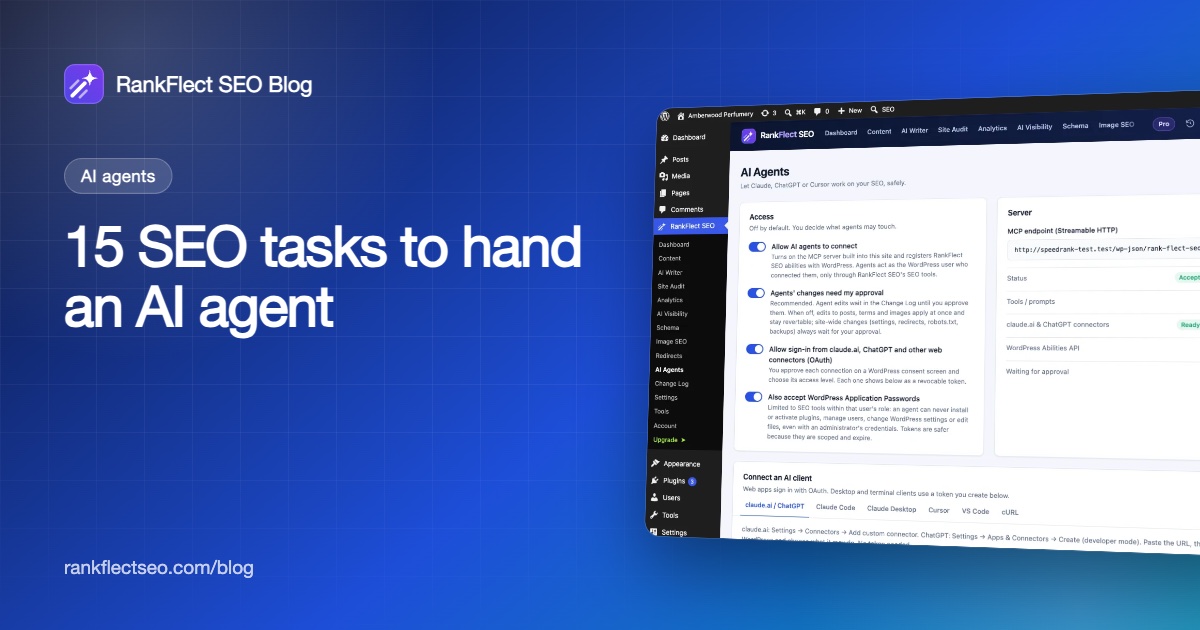
An AI agent for SEO is most useful on the repetitive jobs that eat an afternoon: writing missing meta descriptions, filling alt text, fixing audit issues, finding internal links and mapping 404s to redirects. Below are 15 tasks you can hand to an agent today, each with a copy-paste prompt, the tools the agent calls, whether it is free or Pro in RankFlect SEO, and what a person should still check.
Key takeaways
- Good agent tasks are repetitive, text-heavy and easy to verify: meta descriptions, alt text, duplicate titles, schema, redirects.
- Every prompt below asks for a dry run first, so you see old and new values before anything is saved.
- With approval mode on, the agent's edits wait in the Change Log until you approve them, and every applied change can be reverted.
- Most tasks work on the free plugin. Bulk edits, the 404 log and Search Console opportunity reports need RankFlect SEO Pro.
- A person still owns facts, brand voice and anything that changes the whole site.
Before you start: connect the agent safely
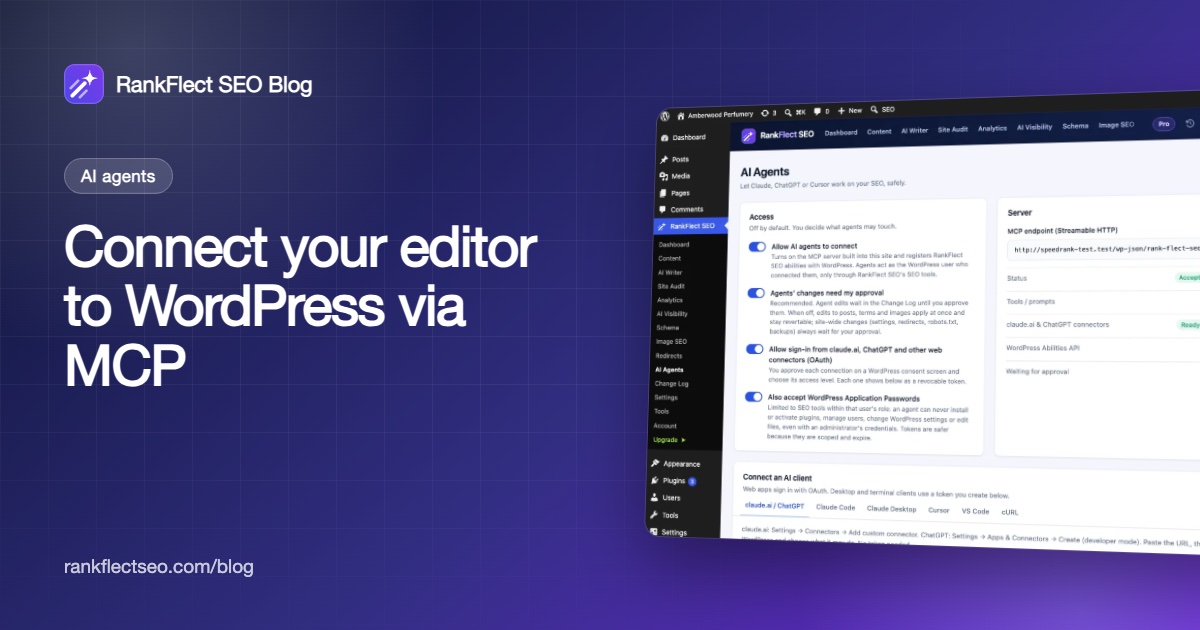
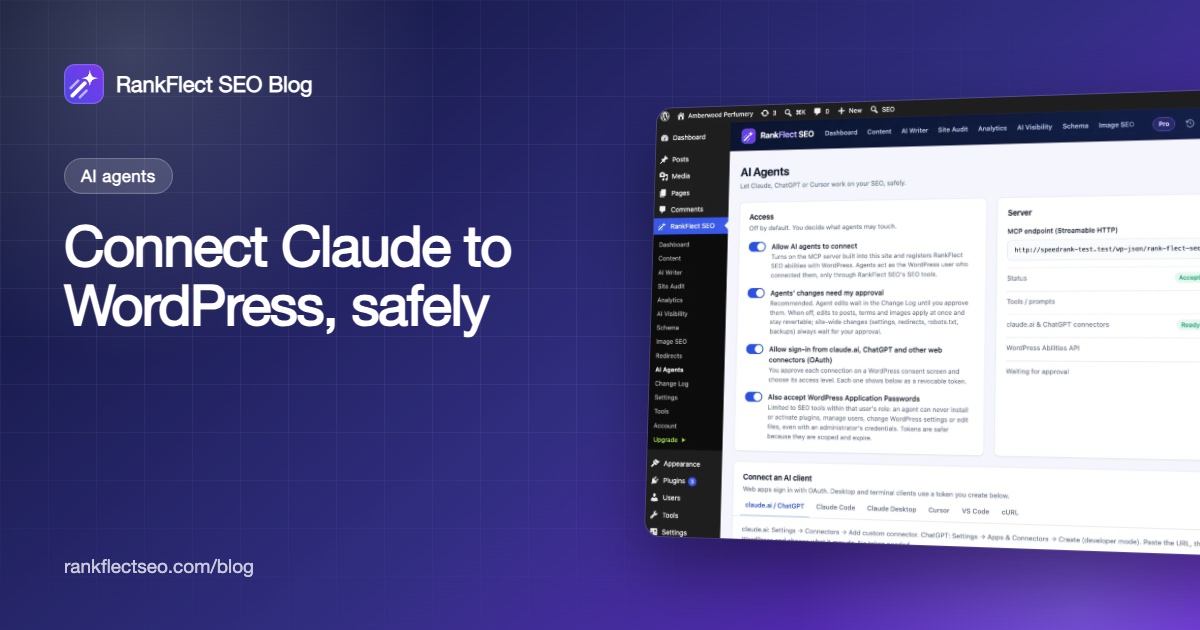
The prompts work in any MCP client connected to RankFlect SEO: claude.ai, ChatGPT, Claude Code, Claude Desktop, Cursor or VS Code. If you have not connected one yet, follow our guide to connecting Claude to WordPress. For the bigger picture on what agents should and should not touch, read AI SEO agents for WordPress.
Three settings matter for everything below:
- Access level. Pick Content editor for most tasks. It can edit titles, descriptions, keywords and alt text and use your AI key, but not redirects or settings. Use Full only for redirect and settings tasks. See agent tokens, scopes and access levels.
- Approval mode. Leave Agents' changes need my approval on. Site-wide changes such as redirects and settings always wait for an administrator anyway.
- AI provider key. Tools whose names start with
ai_call your own AI provider and count toward your daily request limit. The agent's own reasoning runs on its own service.
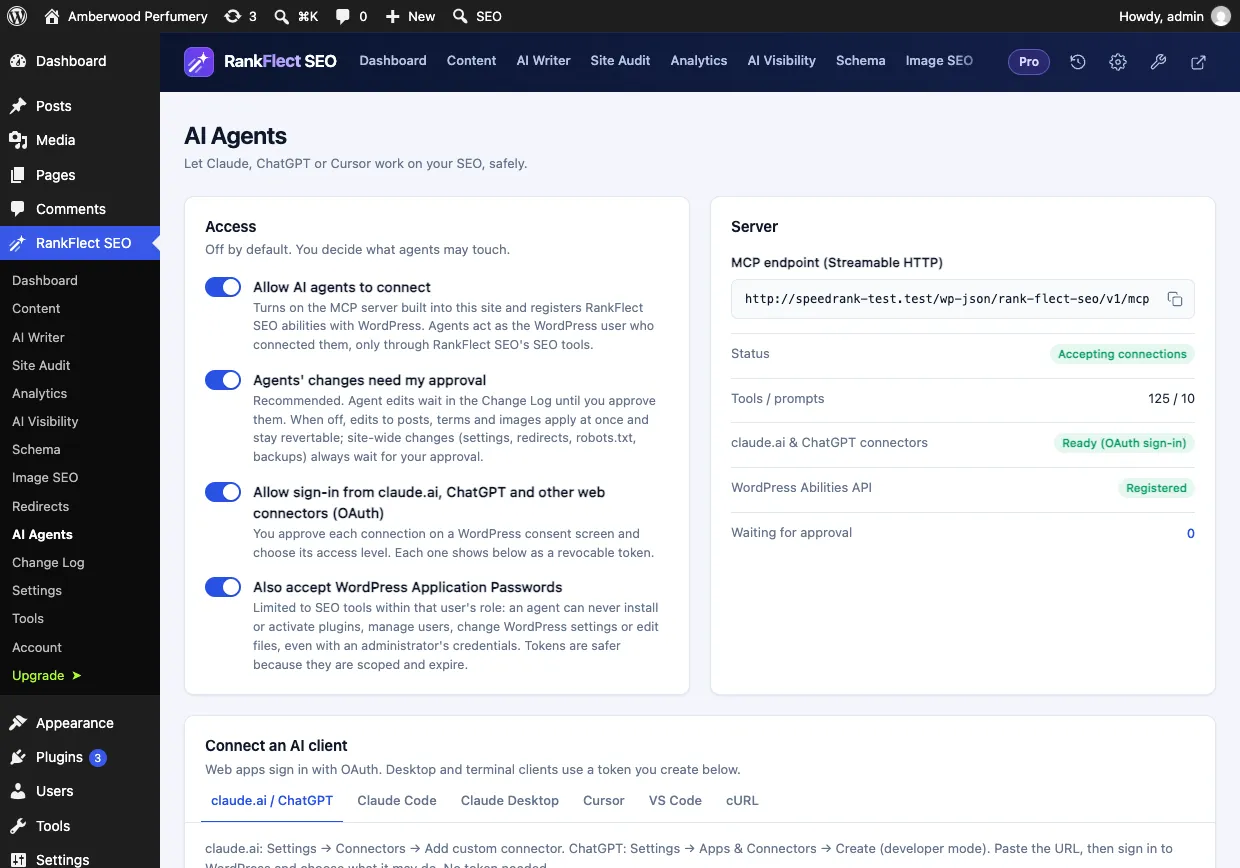
Many of these tasks also exist as ready-made workflows (MCP prompts), which clients such as Claude Code show as slash commands. Where one exists, it is named below.
15 SEO tasks for an AI agent, with prompts
1. Write missing meta descriptions
What the agent does: finds published posts with no meta description, reads each one and writes a description that matches the content and includes the focus keyword if one is set.
Find up to 10 published posts without a meta description. Read each one and write a
130-155 character description that is accurate to the content. Show me a table, then
dry-run the changes. Apply only after I confirm.
Tools: list_posts_missing_meta, get_post_content, update_post_seo (or bulk_update_post_seo on Pro). Workflow: fix_missing_meta. Plan: free; one batch call needs Pro. Human check: no invented claims, prices or promises, and each description reads like your brand. Google's snippet guidance asks for unique, accurate descriptions per page.
2. Fill in missing image alt text
What the agent does: lists images without alt text, asks your AI provider to describe each image, checks the result against the file name and the post it belongs to, then sets it.
List images missing alt text. For up to 20, suggest alt text with ai_suggest_alt and
check it against the file name and the attached post. Show a table, dry-run, then wait.
Tools: list_images_missing_alt, ai_suggest_alt, set_image_alt; ai_fill_missing_alt does up to 50 in one batch on Pro. Workflow: image_alt_cleanup. Plan: free with an AI provider key. Human check: product names, people and text in images. Decorative images may not need alt text at all.
3. Run an SEO health check
What the agent does: reads the site overview and the audit, then explains the five issues with the biggest impact in plain language. It changes nothing.
Run an SEO health check: read site_overview and the audit, then give me the five
highest-impact issues, how many pages each affects, and which tool would fix each one.
Tools: site_overview, run_audit. Workflow: seo_health_check. Plan: free. The audit runs automatically every 7 days on every plan; running it on demand is Pro, so on the free plan the agent reads the latest automatic audit. Human check: whether the priorities match your business, not just the score.
4. Work through audit issues one by one
What the agent does: takes critical and warning issues in turn, explains each in one sentence, previews the fix and applies it only after you say yes.
Go through the critical audit issues one at a time. For each, explain it in one sentence,
dry-run the fix and wait for my yes before applying. Tell me if a fix is live or pending.
Tools: list_audit_issues, get_audit_issue, fix_audit_issue. Workflow: fix_audit_issues. Plan: free; Pro applies AI fixes (titles, descriptions, alt text) in one call, while Free returns the items and the tools to fix them one by one. Human check: fixes that need a person come back as instructions; do those yourself.
5. Suggest internal links
What the agent does: finds related posts a page could link to, with anchor text and where each link fits.
For post 123, suggest 3-5 internal links to related posts, with the anchor text and the
paragraph where each fits. Don't change anything yet.
Tools: suggest_internal_links (free); suggest_internal_links_ai and insert_internal_link, which edits the post and is revertable, are Pro. Human check: links should help a reader, not just repeat an exact-match anchor across the site.
6. Resolve keyword cannibalization
What the agent does: finds groups of posts that share the same main focus keyword, reads them and recommends keeping one as the main page and re-targeting, merging or differentiating the rest.
Find posts competing for the same focus keyword. For each group, recommend: keep one and
re-target the others, merge with a 301, or differentiate. List the exact tool calls you
would make, and run nothing until I approve.
Tools: find_cannibalization, get_focus_keywords, set_focus_keywords, create_redirect. Workflow: cannibalization_plan. Plan: free. Human check: merging posts is an editorial decision. Look at traffic and backlinks before you redirect anything.
7. Redirect the most-hit 404 URLs
What the agent does: reads the 404 log, matches the most-hit missing URLs to the best live page and proposes a 301 for clear matches, marking the rest "leave as 404" or "410 gone".
Read the 404 log. For the 20 most-hit URLs, find the best matching live page and propose
a 301 for clear matches only. Show the table and create the redirects after I approve.
Tools: list_404s, test_url, bulk_create_redirects. Workflow: fix_404s. Plan: Pro (the 404 log). Needs a token with redirects write access. Human check: redirects are site-wide, so they wait for an administrator in the Change Log. Reject weak matches; a redirect to an unrelated page helps nobody. Our 301 redirect guide covers when to redirect.
8. Add and validate schema on a post
What the agent does: picks a suitable schema type, fills its fields from the content and checks required and recommended properties before saving.
Look at post 88 and suggest the right schema type. Fill in the fields from the content,
run validate_schema on your proposal, then dry-run set_post_schema.
Tools: list_schema_types, get_post_schema, validate_schema, set_post_schema. Plan: free. Human check: structured data must describe what is visible on the page. Google's structured data guidelines are clear on that.
9. Add an FAQ section
What the agent does: drafts question-and-answer pairs grounded in the post and appends a RankFlect SEO FAQ block, which outputs FAQPage schema.
Draft 4 FAQs for post 57 that the post actually answers. Show them to me first. After I
approve the wording, append them with insert_faq.
Tools: ai_faq (Pro) to draft, insert_faq (free) to add the block. On the free plan the agent can write the pairs itself from get_post_content. Human check: answers must be true and already supported by the post. The insert edits post content and is revertable.
10. Find quick wins in Search Console
What the agent does: pulls striking-distance queries, low-CTR pages and pages that lost clicks, then proposes better titles and descriptions for the pages with the most clicks at stake.
Review the last 28 days of Search Console. For the 5 pages with the most clicks at stake,
propose a title and description that match the queries people use. Dry-run only.
Tools: search_opportunities, search_performance, update_post_seo. Workflow: traffic_review. Plan: Pro, with Google connected. See Search Console opportunities. Human check: a new title should still describe the page honestly, not chase a query it does not answer.
11. Plan refreshes for decaying pages
What the agent does: finds pages whose clicks or positions dropped, lists the queries each lost and writes a refresh brief.
Find the 3 pages that lost the most Google clicks versus the previous period. For each,
show the lost queries, write a refresh brief and list the content edits to make.
Tools: find_decaying_pages, get_lost_queries, generate_refresh_brief. Workflow: recover_traffic. Plan: Pro, with Search Console connected. Human check: the content edits are yours to make in the editor; the agent only previews a new title and description.
12. Fix duplicate titles and descriptions
What the agent does: lists pages that output the same SEO title or meta description and rewrites each so it is unique.
Run duplicate_meta_report. For each group, read the pages and write a unique title and
description for each one. Show before and after, then dry-run.
Tools: duplicate_meta_report, get_post_content, update_post_seo. Plan: free. Human check: sometimes the real fix is a noindex or a canonical, not a rewrite, for example on near-identical pages.
13. Optimise one important post
What the agent does: reads the post's SEO, content and analysis, explains the failed checks and proposes a better title, description, focus keyword and internal links.
Optimise post 42: explain the failed analysis checks, then propose a better SEO title,
meta description, focus keyword and 3-5 internal links. Dry-run and wait for me.
Tools: get_post_seo, analyze_post, ai_suggest_meta, suggest_internal_links, update_post_seo, set_focus_keywords. Workflow: refresh_post. Plan: free. The free plan keeps one focus keyword per post; Pro keeps unlimited related keywords. Human check: a score is a checklist, not a ranking promise.
14. Run a technical SEO check
What the agent does: reads robots.txt, sitemap settings, default noindex rules, llms.txt settings, AI crawler rules and connections, and reports anything that blocks crawling or indexing.
Run a technical SEO check. Tell me if anything blocks crawling or indexing, if sitemaps
leave out important content, or if AI crawlers are blocked by mistake. Preview each fix.
Tools: connection_status, get_robots_txt, get_sitemap_settings, get_robots_defaults, get_llms_settings, list_ai_bots. Workflow: technical_seo_check. Plan: free. Human check: the agent cannot edit custom robots.txt rules, change verification codes or switch modules; an administrator does those in wp-admin.
15. Plan and draft an article
What the agent does: creates a content brief for a keyword (intent, outline, questions, entities, gaps, internal links), reviews it with you, then writes the article as a draft post.
Create a content brief for "how to store homemade pickles" for home cooks. Show me the
brief. When I approve it, write the article as a draft and give me the edit link.
Tools: ai_content_brief, ai_write_draft. Workflow: write_article. Plan: free with an AI provider key. Human check: everything. No RankFlect SEO tool publishes posts; the draft waits for you to fact-check, add experience and publish.
How to review what the agent did
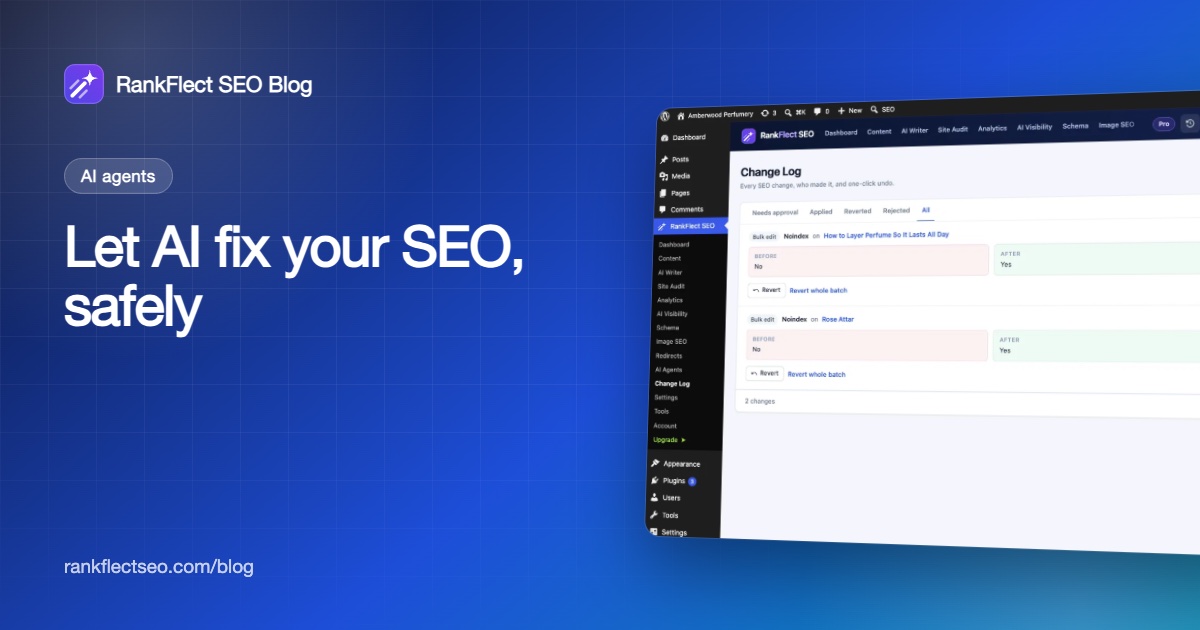
Every write goes through the same path. Write tools accept dry_run: true, which returns old and new values without saving. With approval mode on, real writes come back as pending and appear under Needs approval in RankFlect SEO → Change Log, with Before, After, the agent's name and its note. Changes from one call form a batch you can approve or reject together.
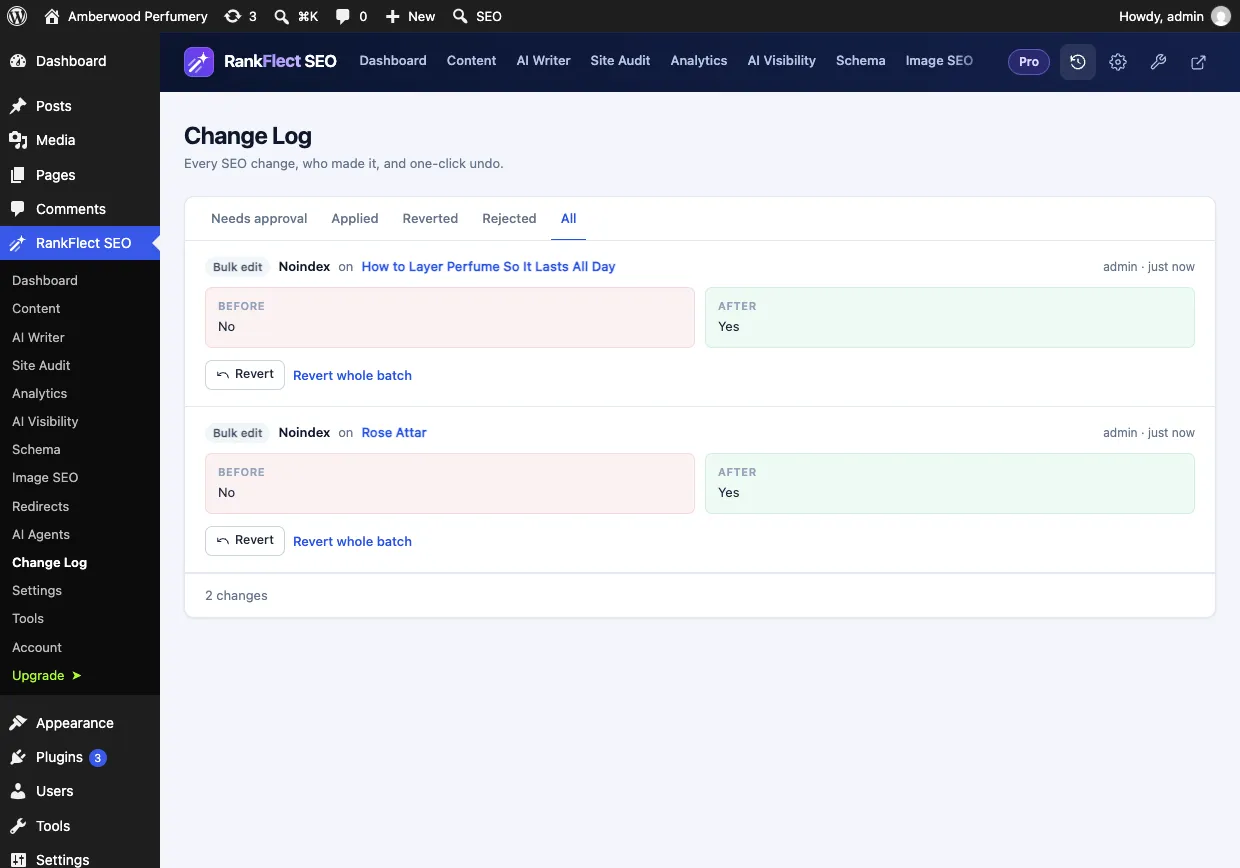
Anything applied can be undone with Revert or Revert whole batch. Before a real run of the Pro bulk tools bulk_update_post_seo and ai_bulk_generate, RankFlect SEO also takes a backup. The details are in approval mode, dry runs and undo and the Change Log.
Tasks an AI agent for SEO should not do
- Publish content. Drafts are fine; publishing is a human decision.
- Change site administration. Plugins, users, themes, files and WordPress settings are out of scope. RankFlect SEO removes those capabilities during agent requests, even for an administrator's token.
- Make claims it cannot verify. Prices, stock, medical or legal statements and anything about your own experience need a person.
- Run unattended across the whole site on day one. Start with 10 posts, review, then widen the scope.
RankFlect SEO is free on WordPress.org, and its MCP server, the claude.ai and ChatGPT connectors and all eleven workflows are included. If you want to try these prompts on your own site, download RankFlect SEO free and start with task 3, which changes nothing. The full tool list is in the MCP tool reference.
Frequently asked questions
What is an AI agent for SEO?
It is an AI model that can call tools on your site, such as reading posts, running an audit or saving a meta description, instead of only giving advice in a chat. On WordPress, agents usually connect through the Model Context Protocol (MCP). The agent can only do what the server's tools and your access level allow.
Which AI agent tasks are free in RankFlect SEO?
Most of them: meta descriptions, alt text, health checks, audit fixes, internal link suggestions, cannibalization, duplicates, schema, FAQ blocks, technical checks and article drafts. The 404 log, Search Console opportunity and decay reports, AI-ranked internal links with link insertion and one-call bulk edits need RankFlect SEO Pro.
Will the agent change my site without asking?
Not with the defaults. The prompts above ask for a dry run first, and approval mode keeps every edit pending until you approve it in the Change Log. Site-wide changes such as redirects and settings always wait for an administrator, even with approval mode off.
Does it cost AI credits?
RankFlect SEO has no credits. Tools starting with ai_ use your own provider key and your daily request limit (200 by default). Everything else, including reading the audit and saving fields, uses no AI requests on your key.
Which client should I use?
Any MCP client works. claude.ai and ChatGPT connect by URL and need a public HTTPS site. Claude Code, Claude Desktop, Cursor and VS Code use an agent token and can also reach a local or staging site.
- #ai agents
- #mcp
- #seo automation
- #ai prompts
- #wordpress seo
Written by
RankFlect SEO TeamThe people who build RankFlect SEO, the WordPress SEO plugin with a built-in MCP server. We write about what we learn shipping SEO tools for AI search.
All articles →Let AI agents fix your SEO. You keep the undo button.
RankFlect SEO is free for unlimited sites, with a built-in MCP server, approval for every change and no AI credits.