Multilingual SEO for WordPress: Hreflang, Canonicals and Sitemaps
Get every language version of your WordPress site found: URL structure, translated SEO fields, correct hreflang, per-language canonicals and sitemap alternates.
In this article
- Key takeaways
- How Google handles multilingual sites
- Step 1: Choose a URL structure for your multilingual WordPress site
- Step 2: Translate the content and the SEO fields
- Step 3: Add hreflang links correctly
- Step 4: Keep canonicals per language
- Step 5: List translations in your XML sitemap
- How RankFlect SEO handles multilingual SEO on WordPress
- How to audit hreflang and multilingual SEO
- Common multilingual SEO mistakes
- Frequently asked questions
- Is hreflang a ranking factor?
- Do translated pages count as duplicate content?
- Should I use subdirectories or subdomains for languages?
- Which WordPress multilingual plugin is best for SEO?
- Do I need x-default?
Multilingual SEO on WordPress means giving every language version of a page its own URL, its own translated title and description, correct hreflang links between the versions, a self-referencing canonical and a place in your XML sitemap. Get those five things right and Google can show each searcher the version in their language. This guide explains each one, the mistakes that break them, and how to check your setup.
Key takeaways
- Use a separate URL for each language (a subdirectory like
/de/is the simplest on WordPress). Don't switch language by cookie or IP address. - Translate the SEO fields too: title, meta description, slug, image alt text and social texts.
- Hreflang links must be reciprocal, list every version including the page itself, and use full URLs.
- Each translation is canonical to itself, never to the original language.
- Only one tool should print hreflang. Two sets conflict.
How Google handles multilingual sites
Google decides a page's language from its visible content. Its guide to multi-regional and multilingual sites says it does not use code-level hints such as the lang attribute or the URL to detect language. So a page needs to be truly translated, with content and navigation in one language.
The same guide recommends separate URLs for each language version rather than cookies or browser settings, and it advises against automatically redirecting visitors to another language. Googlebot usually crawls without an Accept-Language header, so content that changes by browser language or IP may never be seen in other languages. Offer a visible language switcher instead.
Hreflang then connects the versions. It doesn't make a page rank; it tells Google which equivalent page to show to a French speaker versus a German speaker once the page already qualifies.
Step 1: Choose a URL structure for your multilingual WordPress site
Google's guide compares the options:
- Subdirectories (
example.com/de/): easy to set up and maintain on one WordPress install. The default choice for most sites. - Subdomains (
de.example.com): easy to separate, but visitors may not know if "de" means a language or a country. - Country domains (
example.de): the clearest signal for one country, but costly and more work to run. - URL parameters (
?lang=de): not recommended by Google.
WPML, Polylang and TranslatePress all support subdirectories, and WPML and Polylang also support subdomains and separate domains. Pick one structure and keep it; changing later means redirects for every URL.
Step 2: Translate the content and the SEO fields
Translate the whole page, not only the menu and footer. Google's guide warns that translating only boilerplate while the main content stays in one language creates a poor experience and looks like duplicate content.
Then translate everything search engines and social networks read:
- SEO title and meta description, written for how people search in that language, not a word-for-word copy.
- The URL slug, so
/de/pages have German slugs. - Image alt text and captions.
- Open Graph and X titles and descriptions, plus the
og:localetag. - Structured data text such as FAQ answers.
Do keyword research per language. The phrase people use in Spanish is often not the literal translation of your English keyword, and search volume differs by market.
Step 3: Add hreflang links correctly
Google's documentation on localized versions sets the rules. The ones that break most often:
- List every version, including itself. The English page lists English, German and French; the German page lists all three too.
- Make links reciprocal. If page X points to page Y, Y must point back to X. Otherwise Google may ignore the tags.
- Use fully qualified URLs with
https://. - Use valid codes. Language in ISO 639-1 format (
de), optionally with an ISO 3166-1 region (de-AT). A region alone is invalid, anden-UKis wrong: the code for the United Kingdom isGB. - Add x-default for visitors whose language you don't offer, usually pointing at your default language or a language picker.
A correct set in the page head looks like this:
<link rel="alternate" hreflang="en" href="https://example.com/pricing/" />
<link rel="alternate" hreflang="de" href="https://example.com/de/preise/" />
<link rel="alternate" hreflang="fr" href="https://example.com/fr/tarifs/" />
<link rel="alternate" hreflang="x-default" href="https://example.com/pricing/" />
Google treats hreflang in the HTML head, in HTTP headers and in the XML sitemap as equivalent. Pick the method that is easiest to maintain. Many sites use the head tags plus sitemap alternates; that is fine as long as both say the same thing.
The most common problem on WordPress is duplication: the multilingual plugin prints hreflang, the SEO plugin prints another set, and sometimes a theme adds a third. Make sure only one tool outputs hreflang tags.
Step 4: Keep canonicals per language
Each language version is its own page, so its canonical should point to itself. A common mistake is a German page with a canonical pointing at the English original. That tells Google to index the English page instead, and the German page can drop out of search.
Also check that no translation is noindexed by accident and that canonicals and hreflang agree. A page that hreflang lists as an alternate should be indexable and canonical to itself. The guide to noindex and canonical URLs explains how both tags work.
Step 5: List translations in your XML sitemap
Your sitemap should include every language version. On larger sites, adding hreflang alternates to the sitemap (xhtml:link entries) is a tidy way to describe all versions in one place, and Google's documentation shows the format.
Submit the sitemap once in Google Search Console and Bing Webmaster Tools. Search engines re-read it on their own.
How RankFlect SEO handles multilingual SEO on WordPress
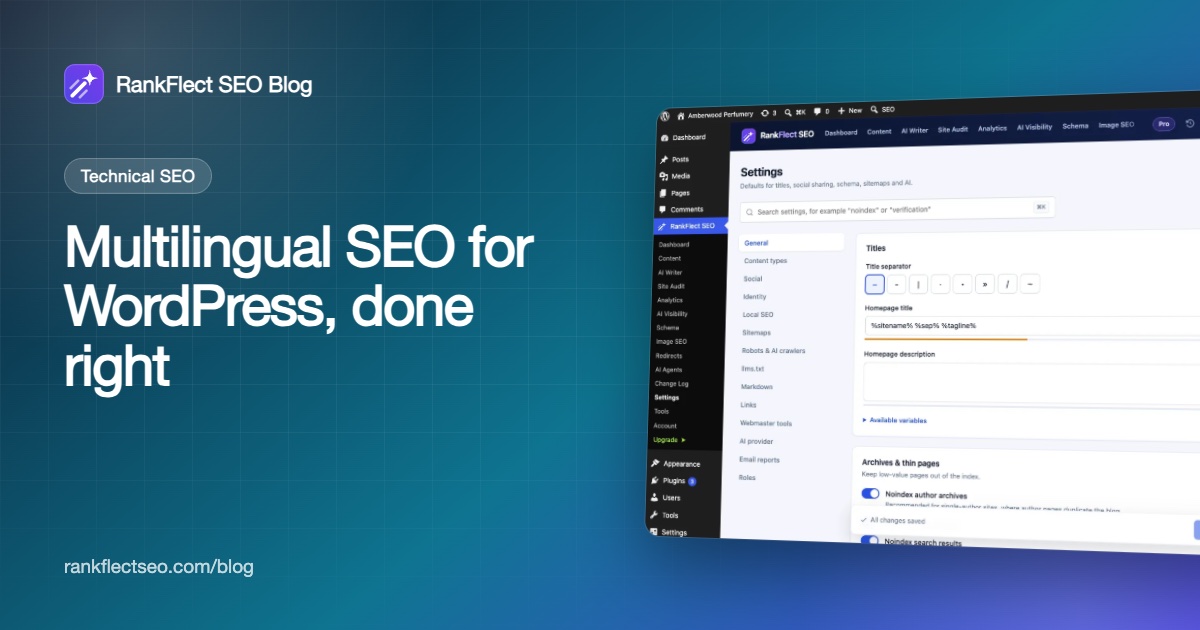
RankFlect SEO works with Polylang, WPML and TranslatePress, and the multilingual support is part of the free plugin. It switches on by itself when one of those plugins runs with two or more languages, and it adds a Languages tab under RankFlect SEO → Settings. That tab only appears when a multilingual plugin is active, so the screenshot below, from a single-language site, doesn't show it.
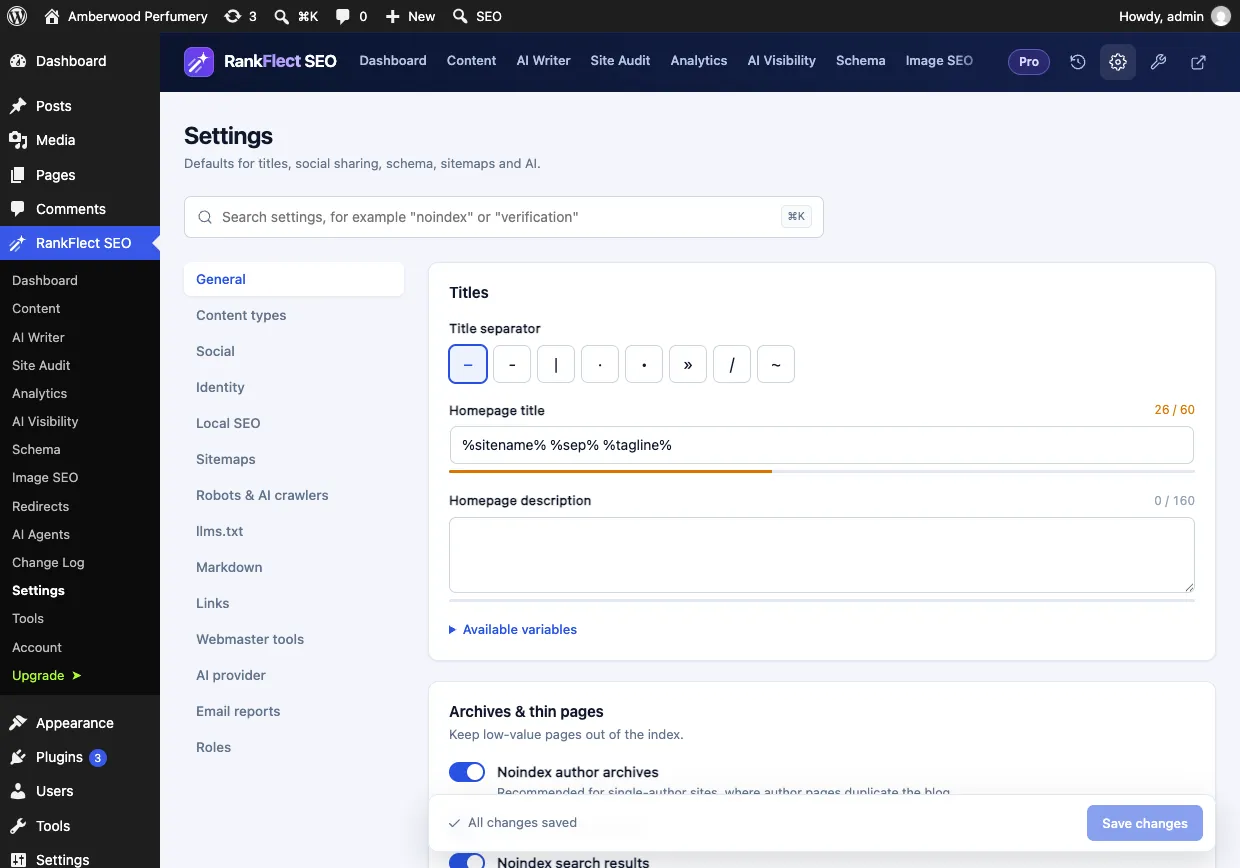
On the Languages tab you see which plugin was detected and a table of your languages with each one's og:locale and hreflang code. Three settings control the output:
- hreflang links in the page head: added by default when your multilingual plugin isn't printing any. If it already prints them, RankFlect SEO says so and does not add a second set.
- Point x-default at the default language: on by default.
- List translations in XML sitemaps: on by default; it adds an
xhtml:linkalternate for every language version of each URL.
You edit titles, descriptions, keywords and social texts on each translation, in its own RankFlect SEO panel. When you create a new translation, settings that rarely differ between languages are copied over, such as noindex, schema type and share image. Canonical URLs are never copied, so each translation stays canonical to itself.
Site-wide texts such as the homepage title and title templates are registered as translatable strings in WPML and Polylang. With TranslatePress, you translate them on the page with its visual editor. The multilingual SEO documentation has the full details, including notes per plugin.
Per language, RankFlect SEO also outputs og:locale plus og:locale:alternate for the other languages (see social sharing), and adds hreflang alternates to the XML sitemaps. With Polylang, each language also gets its own /<lang>/llms.txt file, described in the llms.txt guide.
How to audit hreflang and multilingual SEO
Run these checks after setup and after every big content change:
- View the source of one page in each language. Count the hreflang links: there should be one per language plus x-default, with no duplicates.
- Follow each hreflang URL. Every one should return a 200 status, not a redirect or 404, and should link back.
- Check the canonical on each translation. It should be the page's own URL.
- Open the sitemap and confirm translations are listed.
- Use Search Console. Inspect a translated URL with the URL Inspection tool to see the canonical Google picked. If Google chose the original language as canonical, the translation may be too thin or too similar.
- Check performance by country in Search Console's Performance report to confirm each language earns impressions where you expect.
Common multilingual SEO mistakes
- Machine translation published unchecked. Have a fluent speaker review at least your key pages and their titles.
- Untranslated slugs, titles or alt text on translated pages.
- Automatic redirects by IP or browser language, which can hide versions from Googlebot.
- Two hreflang sets from different plugins.
- Canonical pointing at the original language.
- Missing return links, often when one translation is deleted or unpublished but others still reference it.
If you are planning a multilingual site and want the SEO side handled automatically, you can download RankFlect SEO free and pair it with your translation plugin.
Frequently asked questions
Is hreflang a ranking factor?
No. Hreflang helps Google choose which language or regional version to show, so the right page appears for each searcher. It doesn't make a page rank higher on its own.
Do translated pages count as duplicate content?
No. Content translated into another language is not duplicate content. Duplication only becomes a concern when versions are in the same language, such as English for the US and the UK, and that is exactly the case hreflang with region codes is for.
Should I use subdirectories or subdomains for languages?
For most WordPress sites, subdirectories like /de/ are the easiest to set up and maintain on one install. Subdomains and country domains work too, but cost more effort. Google supports all three with hreflang.
Which WordPress multilingual plugin is best for SEO?
WPML, Polylang and TranslatePress can all produce a well-optimized multilingual site. What matters more is that slugs and SEO fields are translatable, hreflang appears once and canonicals stay per language. Check how your SEO plugin integrates with the one you choose.
Do I need x-default?
It isn't required, but it is recommended. x-default tells Google which page to show when none of your languages matches the searcher, usually your main language or a language selector page.
- #multilingual seo
- #hreflang
- #wpml
- #polylang
- #translatepress
- #international seo
Written by
RankFlect SEO TeamThe people who build RankFlect SEO, the WordPress SEO plugin with a built-in MCP server. We write about what we learn shipping SEO tools for AI search.
All articles →Let AI agents fix your SEO. You keep the undo button.
RankFlect SEO is free for unlimited sites, with a built-in MCP server, approval for every change and no AI credits.