FAQ Schema in WordPress: What Still Works After Google's 2026 Change
Google stopped showing FAQ rich results on May 7, 2026. What FAQ schema still does, when to use FAQPage or QAPage, and how to add it in WordPress.
In this article
- Key takeaways
- What happened to FAQ rich results
- Is FAQ schema in WordPress still worth adding?
- FAQPage or QAPage: pick the right type
- How to write an FAQ section people (and machines) can use
- How to add FAQ schema to WordPress manually
- How to add FAQ schema in WordPress with RankFlect SEO
- 1. The FAQ block
- 2. Core Details blocks
- 3. An FAQ item in the Schema manager
- How to check your FAQ schema
- Common FAQ schema mistakes
- Frequently asked questions
- Does FAQ schema still work in 2026?
- Should I remove FAQ schema from my WordPress site?
- Can I add FAQ schema without a plugin?
- How many questions should an FAQ section have?
- What is the difference between FAQPage and QAPage?
FAQ schema in WordPress is FAQPage structured data that marks a list of questions and answers on a page so machines can read them. The most important fact first: Google stopped showing FAQ rich results on May 7, 2026, so the markup no longer adds the expandable questions under your listing. This guide explains what FAQ schema still does, when it is worth adding, and how to add it to WordPress cleanly with blocks, code or a plugin.
Key takeaways
- Google deprecated the FAQ rich result in May 2026 and removed its documentation in June 2026. No site gets the FAQ dropdowns in Google any more.
FAQPageis still a valid schema.org type. It describes your questions and answers to any system that reads structured data.- The real value now is the visible FAQ section: short, self-contained answers that readers scan and that AI assistants can quote.
- Use
FAQPagefor questions you answer yourself. UseQAPagefor pages where users submit answers. - Never print the same FAQ twice: one source per page, either a block or a manual item.
What happened to FAQ rich results
FAQ rich results used to show up to a few questions directly under a search listing. They were popular, and widely overused. In 2023 Google limited them to a small set of well-known, authoritative government and health sites, and many WordPress sites lost them then.
In 2026 Google went further. Its Search Central changelog recorded on May 8, 2026 that the FAQ rich result feature would no longer appear in Google Search starting May 7, 2026. On June 15, 2026 Google removed the FAQ documentation, noting that the feature is no longer shown in search results. You won't find FAQ in the current search gallery either.
So if a plugin or tutorial promises FAQ rich snippets in Google today, it is out of date.
Is FAQ schema in WordPress still worth adding?
It is cheap and harmless when done right, but adjust your expectations. Here is what it still does and what it doesn't.
- It still describes your content.
FAQPageremains part of the schema.org vocabulary. Search engines, AI assistants and other tools that parse structured data can read your questions and answers as clear pairs. - It no longer changes how your Google listing looks. Don't add it expecting more space on the results page or more clicks from Google.
- The section itself does most of the work. A good FAQ answers the follow-up questions people search, in plain sentences. That helps readers, can help the page match long-tail queries, and gives AI search tools tidy answers to quote.
Google's changelog only says the feature is no longer shown; it doesn't announce any penalty for existing markup. If your FAQ blocks already output the schema, there is no need to strip it out. Just don't spend hours adding it to old posts for a result that no longer exists.
FAQPage or QAPage: pick the right type
The two types sound alike but describe different pages.
- FAQPage: you, the site owner, wrote both the questions and the answers. Product FAQs, a support page, the FAQ section at the end of a guide.
- QAPage: one question, with answers submitted by users, like a forum thread or a community answers page. Q&A is still a supported feature in Google's search gallery at the time of writing.
If visitors can post answers, FAQPage is the wrong type.
How to write an FAQ section people (and machines) can use
The schema is only as good as the content it describes. Before you add any markup, get the section right.
- Take questions from real searches. Use the "People also ask" box, Search Console queries and your support inbox. Skip questions nobody asks.
- Answer in one to three sentences. Lead with the answer, then add the one detail that matters. Each answer should make sense on its own, without the rest of the page.
- Keep it visible. Google's structured data guidelines say not to mark up content readers can't see. The questions and answers in the schema must be on the page.
- No ads or sales copy in answers. An FAQ that only pushes a product is not an FAQ.
- Three to six questions is usually enough. A long list dilutes the page and nobody reads it.
How to add FAQ schema to WordPress manually
Without a plugin, write the FAQ on the page as normal content, then print matching JSON-LD from a child theme with the wp_head hook, limited to that page:
<script type="application/ld+json">
{
  "@context": "https://schema.org",
  "@type": "FAQPage",
  "mainEntity": [{
    "@type": "Question",
    "name": "Do you ship abroad?",
    "acceptedAnswer": {
      "@type": "Answer",
      "text": "Yes. We ship to most countries, and delivery takes 5 to 10 working days."
    }
  }]
}
</script>
The weakness is maintenance. Every time you edit an answer on the page, you must edit the code too, or the two drift apart. And if your SEO plugin also outputs FAQ schema, you end up with two copies.
How to add FAQ schema in WordPress with RankFlect SEO
RankFlect SEO, free on WordPress.org, builds the schema from the visible FAQ, so the two always match. There are three ways in.
1. The FAQ block
- In the block editor, click the + inserter, search for FAQ and pick FAQ (RankFlect SEO).
- Type each Question and its answer, and click Add question for the next one.
- In FAQ settings, choose a layout: Collapsible (details/summary, no JavaScript, the default) or Headings and paragraphs, with a heading level of H2, H3, H4 or P.
- Save the post. The page node becomes
["WebPage", "FAQPage"], with each question and answer asmainEntity. Questions with an empty answer are left out.
The block renders on the server with no front-end JavaScript, and its small stylesheet loads only on pages that use it. Details are in the FAQ, How-to and Table of contents blocks guide. Elementor users get the same output from the matching widget in the RankFlect SEO widget category; see Elementor.
2. Core Details blocks
If you already build FAQs with WordPress's own Details block, you don't need to rebuild them. RankFlect SEO treats each Details block as a question and answer: the summary is the question and the content is the answer.
3. An FAQ item in the Schema manager
For pages where you can't use blocks, open the RankFlect SEO panel, choose Schema, pick FAQ under Rich result and click Generate Schema. Add each question and answer, using Add row for more. Remember that the answers must still appear on the page. See the Schema manager guide.
If the page already has FAQ schema from an FAQ block or Details blocks, the manual FAQ item is marked Skipped and not output. That rule is what keeps the questions from appearing twice in the JSON-LD.
In RankFlect SEO Pro, FAQ with AI in the panel's Analysis section can write an FAQ from the post and insert it as Details blocks, which then become FAQ schema. Review every answer before you publish.
How to check your FAQ schema
Since Google no longer supports the FAQ rich result, don't rely on Google's Rich Results Test to report an FAQ result. Check the markup itself instead.
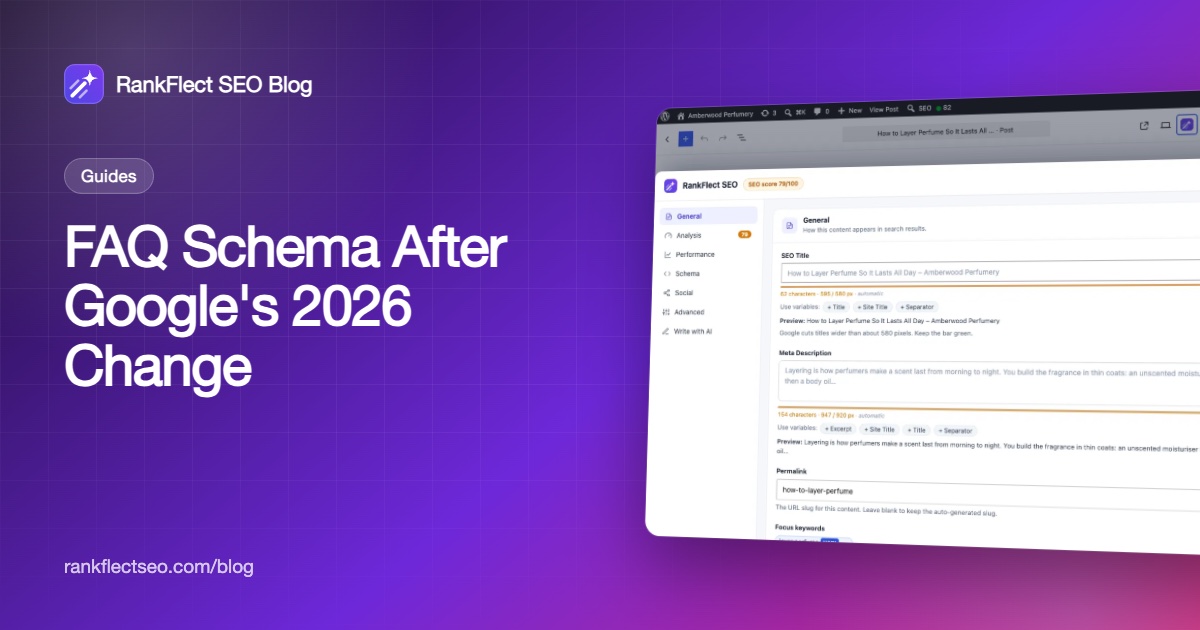
- In RankFlect SEO, save the post, open the panel's Schema section and click Validate Current, then Show final JSON-LD to see exactly what the page outputs, including what the blocks add. The schema validator guide explains each message.
- For a second opinion on syntax, paste the live URL into the Schema Markup Validator.
- Confirm there is only one
FAQPageper page. Two plugins, or a plugin plus a theme FAQ widget, often produce duplicates.
FAQ schema is one node in a bigger graph. The schema overview shows how it attaches to the page node alongside your Organization, WebSite and breadcrumbs.
Common FAQ schema mistakes
- Hidden questions. Schema for questions that aren't on the page breaks Google's guidelines.
- The same FAQ on every page. A site-wide FAQ pasted into every post adds nothing and makes pages look alike.
- Duplicated markup. A block and a manual item, or two plugins, printing the same questions.
- Using FAQPage for forums. User-answered questions belong in
QAPage. - Chasing the old rich result. Rewriting hundreds of posts for FAQ snippets that Google no longer shows.
For a free way to add FAQ sections that carry their own schema, download RankFlect SEO and use the FAQ block or your existing Details blocks.
Frequently asked questions
Does FAQ schema still work in 2026?
The markup is still valid schema.org, but Google stopped showing FAQ rich results on May 7, 2026. It no longer changes how your listing looks in Google. It still describes your questions and answers to systems that read structured data.
Should I remove FAQ schema from my WordPress site?
There is no need to. Google's changelog only says the feature is no longer shown, without announcing any penalty. Keep markup that matches visible FAQs, and remove only duplicates or markup for questions that aren't on the page.
Can I add FAQ schema without a plugin?
Yes. Write the FAQ on the page, then print a matching FAQPage JSON-LD block from a child theme with the wp_head hook. You will need to update the code by hand whenever an answer changes.
How many questions should an FAQ section have?
There is no required number. Three to six real questions with short, complete answers usually serve readers best. Add more only when people actually ask them.
What is the difference between FAQPage and QAPage?
FAQPage is for questions and answers written by the site owner. QAPage is for a single question with answers submitted by users, such as a forum thread. Q&A is still a supported rich result feature in Google at the time of writing.
- #faq schema
- #structured data
- #rich results
- #faqpage
- #wordpress seo
Written by
RankFlect SEO TeamThe people who build RankFlect SEO, the WordPress SEO plugin with a built-in MCP server. We write about what we learn shipping SEO tools for AI search.
All articles →Let AI agents fix your SEO. You keep the undo button.
RankFlect SEO is free for unlimited sites, with a built-in MCP server, approval for every change and no AI credits.