How to Choose a Focus Keyword: 7 Steps That Match Search Intent
Pick the search phrase your page can win: start from the reader's problem, check intent in the live results, avoid cannibalization and use the keyword naturally.
In this article
- Key takeaways
- What a focus keyword is (and is not)
- How to choose a focus keyword in 7 steps
- 1. Start with the reader's problem
- 2. Collect the phrases people actually search
- 3. Check search intent in the live results
- 4. Judge whether you can compete
- 5. Weigh volume against specificity
- 6. Make sure no other page already targets it
- 7. Pick one main keyword and a few related ones
- How to choose a focus keyword for different page types
- Where to use the focus keyword on the page
- Setting the focus keyword in WordPress with RankFlect SEO
- Common focus keyword mistakes
- Frequently asked questions
- How many focus keywords should a page have?
- Can two pages have the same focus keyword?
- Is a long-tail keyword better than a short one?
- Does the focus keyword directly affect rankings?
- How do I find a focus keyword for an existing post?
Here is how to choose a focus keyword: pick the one search phrase your page can answer better than anything else, confirm that the people searching it want the kind of page you are writing, and make sure no other page on your site already targets it. Search volume and difficulty matter, but intent and fit come first. This guide walks through the full process with examples, then shows how to use the keyword once you have it.
Key takeaways
- A focus keyword is the main search phrase you want one page to rank for. Each important page gets its own.
- Start from the reader's problem, not from a keyword tool. Then find the words real people use for it.
- Check search intent by looking at the current Google results. If they are product pages and you wrote a guide, pick another keyword.
- Prefer specific, longer phrases you can realistically win over broad terms owned by big sites.
- One main keyword per page. Two pages with the same main keyword compete with each other.
- Use the keyword naturally in the title, introduction, URL and a subheading. Repeating it more does not help.
What a focus keyword is (and is not)
A focus keyword, sometimes called a focus keyphrase, is the search query a page is built to answer. It is a planning tool for you and your SEO plugin. It is not a tag Google reads: Google's own starter guide says it doesn't use the keywords meta tag, and SEO plugins do not print your focus keyword as one.
What the keyword does is keep the page on target. When you know the exact phrase, you know what the title should promise, what the first paragraph should answer and which questions the page must cover. Google's advice is simple: think about the words a user might search for to find your content, and write with them in mind.
How to choose a focus keyword in 7 steps
1. Start with the reader's problem
Write down, in one sentence, what the reader wants to get done. "I want my perfume to last longer." "I need to know if rose attar is alcohol-free." This keeps you from chasing keywords that sound good but have nothing to do with what you can offer.
2. Collect the phrases people actually search
Now turn that problem into candidate phrases. Use free sources first:
- Google autocomplete. Type the start of the phrase into Google and note the suggestions.
- People also ask and related searches. These show how searchers word follow-up questions.
- Your own Search Console data. The Performance report lists the queries your site already gets impressions for. A query where you rank on page two is often the best keyword you have.
- Customer language. Emails, reviews, support questions and comments use the words your buyers use, which are often not the words you use.
- Keyword tools. Google Keyword Planner and paid SEO tools add estimated volumes and related ideas.
For the perfume example, you might collect: "how to make perfume last longer", "how to layer perfume", "perfume layering", "why does my perfume fade fast" and "long lasting perfume".
3. Check search intent in the live results
This is the step most people skip, and the one that matters most. Search each candidate in a private window and look at the first page.
- Mostly guides and how-tos: informational intent. A blog post fits.
- Mostly product or category pages: transactional intent. A shop page fits; a blog post will struggle.
- Mostly "best" lists and comparisons: commercial intent. People want to compare before buying.
- One brand's pages: navigational intent. People want a specific site. Move on.
In the example, "long lasting perfume" may show shop pages, while "how to layer perfume" shows step-by-step guides. If you are writing a guide, the second is the better focus keyword even if the first sounds bigger.
4. Judge whether you can compete
Look at who ranks. If the top results are huge brands with in-depth pages, a newer site will find it hard to break in with a broad phrase. If you see forum threads, thin pages or results that only half answer the question, that is an opening.
Keyword tools show a difficulty score, but every tool calculates it differently. Treat it as a hint and trust what you see in the results.
5. Weigh volume against specificity
A broad keyword brings more searches but mixed intent and strong competition. A longer, specific phrase brings fewer searches but visitors who want exactly what your page offers. "Perfume" is useless as a focus keyword for a blog post; "how to layer perfume so it lasts" is something one page can answer completely.
A phrase with almost no searches is not worth building a page around either. Aim for the most specific phrase that still has real demand, which your Search Console impressions or a keyword tool can confirm.
6. Make sure no other page already targets it
If two of your pages chase the same main keyword, they compete for the same results. This is called keyword cannibalization. Before you commit, search your own site and your SEO plugin's keyword data. If a page already exists, improve that page instead of writing a new one, or choose a distinct angle and keyword.
7. Pick one main keyword and a few related ones
Choose the single phrase that best matches the page as your main focus keyword. Keep two or three close variations as related keywords. They help you cover the topic fully without stuffing the main phrase everywhere.
How to choose a focus keyword for different page types
- Blog posts and guides: question-style or "how to" phrases with informational intent.
- Product pages: the product name plus a defining detail, such as "rose attar 12 ml" or "alcohol-free rose perfume oil".
- Category pages: the plural category phrase people browse with, such as "attar perfumes".
- Local service pages: the service plus the place, such as "perfume workshop Dhaka".
- Utility pages: contact, cart, checkout and account pages do not need a focus keyword.
Where to use the focus keyword on the page
Once you have chosen, place the keyword where it helps both readers and search engines. Use it naturally; Google's starter guide warns that keyword stuffing is against its spam policies.
- SEO title, ideally near the start.
- Meta description, so the snippet matches the search.
- URL slug, short and readable, such as
/how-to-layer-perfume/. - First paragraph, answering the query right away.
- At least one subheading, where it fits the section.
- Throughout the body as natural language, with variations and related terms.
Google notes that keywords in a domain or URL path alone have hardly any effect, so the slug is a small signal. The bigger win is a page that clearly answers the query.
Setting the focus keyword in WordPress with RankFlect SEO
Most WordPress SEO plugins have a focus keyword field. In RankFlect SEO it works like this:
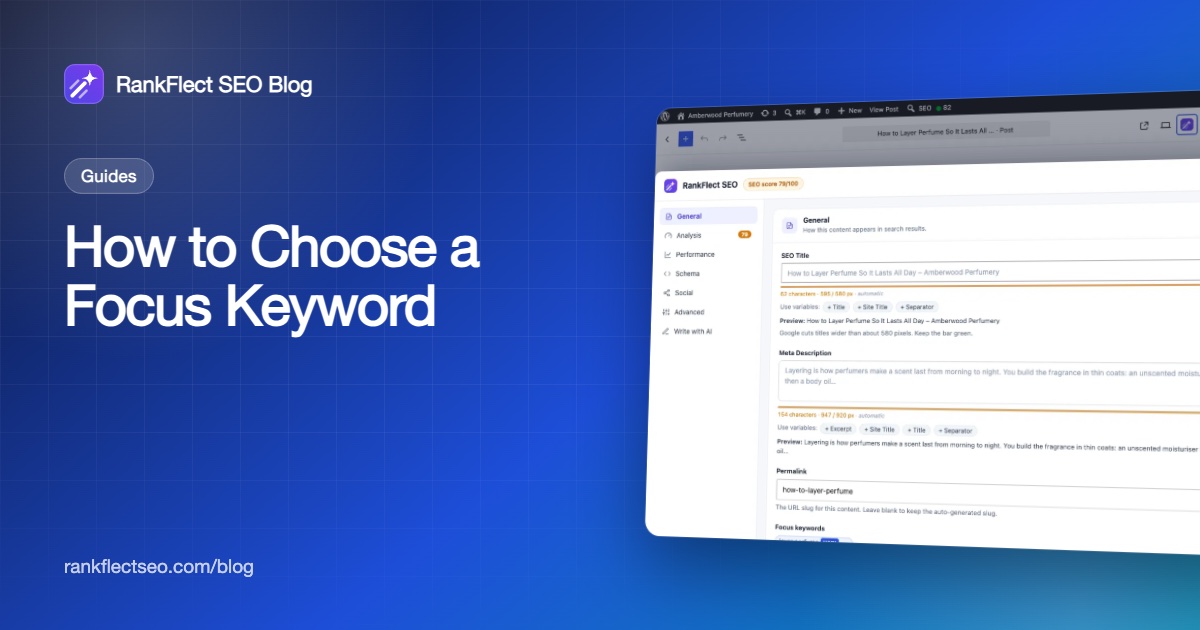
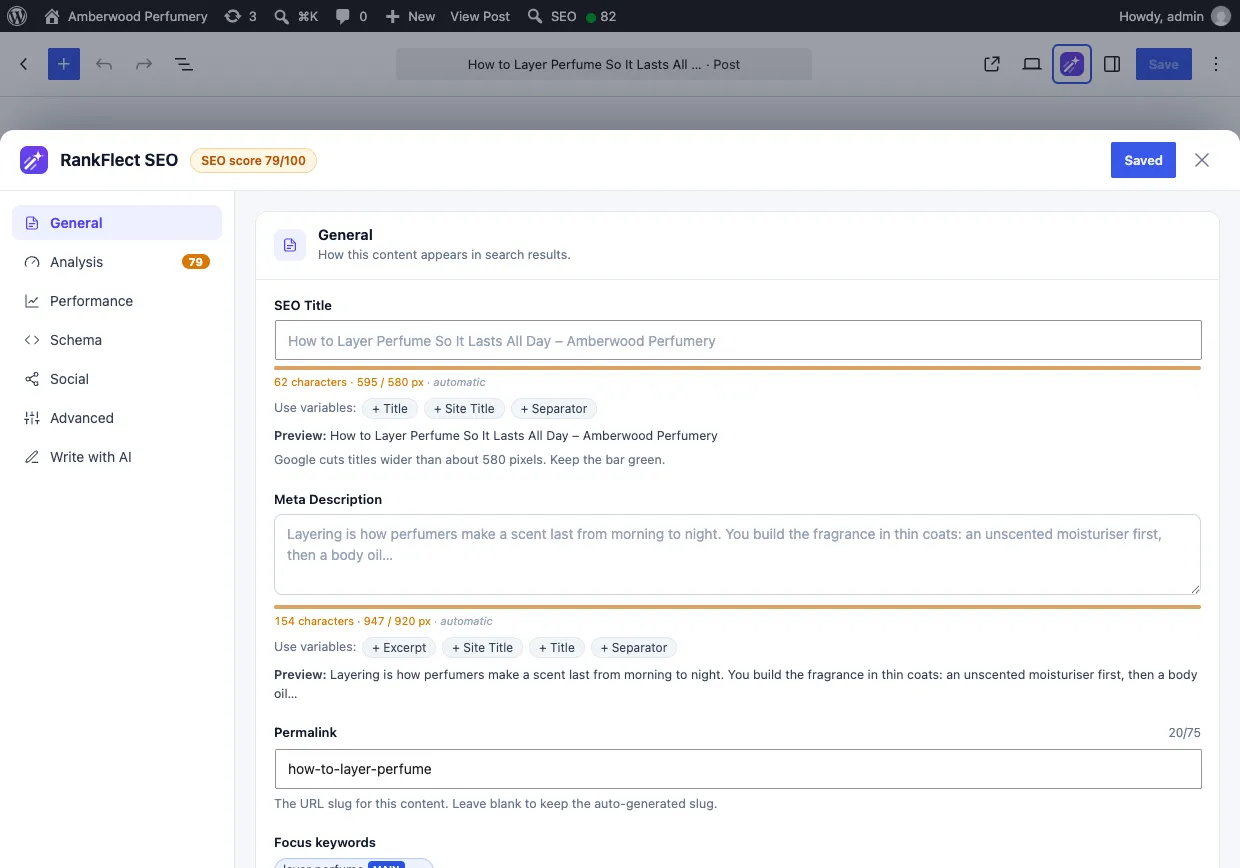
- Open the post and click the RankFlect SEO button in the block editor toolbar. Stay in the General section.
- In Focus keywords, type your main keyword and press Enter. The first keyword gets the main tag and drives the SEO score.
- With RankFlect SEO Pro, add related keywords in Add another keyword…, as many as you like. The free plan has one focus keyword per post.
- With several keywords, click the star on any keyword to make it the main one. Save the post.
If another post on your site already uses one of your keywords, a Keyword cannibalization warning lists it and marks it as main or secondary. Sharing a related keyword is usually fine; two pages with the same main keyword are the real problem. Details are in Focus keywords.
Need ideas? Suggest with AI under the field reads the saved post and proposes five keyphrases of two to five words, when you have added your own AI provider key. In RankFlect SEO Pro with Google connected, the Performance section lists the post's top Search Console queries, and you can click one and choose Use as focus keyword. These are phrases Google already shows the page for. See Connect Google Search Console and GA4.
After you set the keyword, the Analysis section checks whether it appears in the SEO title, near the start of the title, in the meta description, in the URL slug, in the first 120 words and in a subheading, plus keyword density. In RankFlect SEO Pro, each related keyword gets its own score. The checks and their weights are listed in Content analysis checks. Remember that the score is a checklist for you; Google never sees it.
To find older posts without a keyword, filter the bulk editor in RankFlect SEO → Content by Missing focus keyword and add one per row. See The bulk SEO editor. The full editor tour is in Edit SEO in the block editor.
Common focus keyword mistakes
- Choosing by volume alone. A big number with the wrong intent sends no useful traffic.
- Using a one-word keyword. Single words are too broad for one page to answer.
- Forcing the exact phrase into awkward sentences. Write for people. Variations count.
- Reusing the same main keyword on several posts. Merge them or give each a distinct target.
- Never revisiting it. After a few months, check which queries the page actually gets in Search Console. The real winner may be a phrase you did not pick, and switching to it often pays off.
If you want these checks in your editor while you write, you can download RankFlect SEO free; the focus keyword score and the cannibalization warning are included in the free plugin.
Frequently asked questions
How many focus keywords should a page have?
One main keyword, plus a few related phrases if they help you cover the topic. The main keyword defines what the page is about. Related keywords are variations and subtopics, not separate targets that need their own page.
Can two pages have the same focus keyword?
They should not share the same main keyword, because they will compete for the same searches. Decide which page should rank, then change the other page's keyword, merge the two or redirect the weaker one. Sharing a secondary keyword is usually fine.
Is a long-tail keyword better than a short one?
For most pages, yes. A longer, specific phrase has clearer intent and less competition, and one page can answer it completely. Short, broad terms suit only very strong pages on established sites.
Does the focus keyword directly affect rankings?
No. Google does not read the focus keyword field. It helps you write a page that clearly matches a search, and that page is what Google evaluates.
How do I find a focus keyword for an existing post?
Open Search Console, filter the Performance report to that page and look at the queries with the most impressions. Pick the one that best matches what the page covers, then make sure the title, introduction and headings reflect it.
- #focus keyword
- #keyword research
- #search intent
- #on-page seo
- #wordpress seo
Written by
RankFlect SEO TeamThe people who build RankFlect SEO, the WordPress SEO plugin with a built-in MCP server. We write about what we learn shipping SEO tools for AI search.
All articles →Let AI agents fix your SEO. You keep the undo button.
RankFlect SEO is free for unlimited sites, with a built-in MCP server, approval for every change and no AI credits.