AI Visibility Tracking: How to Measure Your Brand in AI Answers
Learn how to track whether ChatGPT, Claude, Gemini and Perplexity mention and cite your brand, which metrics matter and how to act on the results.
In this article
- Key takeaways
- What AI visibility tracking measures
- Why AI visibility is hard to measure
- The three layers of AI search measurement
- How to set up AI visibility tracking, step by step
- 1. Write 10 to 25 customer prompts
- 2. List your competitors and your brand's other names
- 3. Choose the assistant and turn on web search
- 4. Record every answer the same way
- 5. Run it weekly and read the trend
- How to read AI visibility results
- AI visibility tracking on WordPress with RankFlect SEO
- Free: AI crawlers and AI referrals
- Pro: AI answers, mentions and share of voice
- Common mistakes to avoid
- Frequently asked questions
- What is AI visibility tracking?
- How do I check if ChatGPT mentions my brand?
- Does AI visibility tracking show how much traffic AI sends me?
- Can I see AI Overviews appearances in Search Console?
- How often should I run AI visibility checks?
AI visibility tracking means asking AI assistants the questions your customers ask, on a fixed schedule, and recording whether each answer names your brand, links to your site and which competitors it recommends instead. Done consistently, it turns "does ChatGPT know us?" into a number you can watch over weeks. This guide explains the metrics, how to build a prompt set, how to read noisy results and how to set it up on WordPress.
Key takeaways
- AI visibility tracking measures appearance in answers: mentions, citations, position and share of voice. It does not measure traffic.
- Track three layers together: AI crawlers reading your pages, AI assistants sending visits, and AI answers mentioning you.
- The prompt set matters more than the tool. Use real customer questions without your brand name in them.
- AI answers change from run to run, so read trends across several checks, not a single result.
- No tool can see exactly what every person sees in the ChatGPT or Gemini app. Treat results as a repeatable sample.
What AI visibility tracking measures
Classic rank tracking asks "where does my page rank for this keyword?" AI assistants don't show ten blue links, so that question no longer fits. An assistant writes one answer, names a few brands and cites a handful of sources. AI visibility tracking records what happens inside that answer.
Most tools, and most manual methods, come down to the same four numbers:
- Mention rate. The share of answers that name your brand, a product name or your domain.
- Citation rate. The share of answers that link to a page on your site as a source. A mention without a citation still builds awareness, but a citation is what can send a visit.
- Position. Where your brand appears among the brands named. Being named first in a list of five is different from being named last.
- Share of voice. Your mentions as a share of all brand mentions across the answers, yours plus your competitors'. This is the best single number for "are we winning the category?"
Some tools add sentiment or "fan-out" queries. Those can help, but the four above are the ones worth tracking from week one.
Why AI visibility is hard to measure
There are three honest problems, and any method you use should account for them.
No public dashboard. AI assistants don't publish a report of which brands they recommend for which questions. The only way to know is to ask and record the answers.
Answers vary. Ask the same question twice and you can get a different list of brands. Model updates, the live web results the assistant finds and small wording changes all play a part. A single check tells you little. A trend across many checks tells you a lot.
Personalization and model differences. A person using the ChatGPT or Gemini app may get a different model, location and personal context than an API call. Your tracking is a consistent sample of how an assistant answers, not a recording of every user's screen.
Google's own AI features add one more wrinkle. Google says traffic from AI Overviews and AI Mode is counted inside the normal "Web" search type in the Search Console Performance report, not as a separate line (see AI features and your website). So Search Console can't tell you how often you appear in AI Overviews either.
The three layers of AI search measurement
AI visibility tracking works best as the top layer of a simple measurement stack. Each layer answers a different question.
- Can AI bots read you? Check which AI crawlers visit your site and which pages they fetch. If OAI-SearchBot, Claude-SearchBot or PerplexityBot never visit, assistants can't cite your pages. Pages fetched "live" by user bots such as ChatGPT-User show that a person's question led an assistant to read you.
- Do AI assistants send you visits? Look at referral traffic from chatgpt.com, perplexity.ai, claude.ai, gemini.google.com and copilot.microsoft.com in Google Analytics 4. OpenAI says ChatGPT adds
utm_source=chatgpt.comto the links it sends (see OpenAI's publishers and developers FAQ), which makes those visits easier to spot. - Do AI answers mention and cite you? This is AI visibility tracking proper: prompts, answers, mentions, citations and share of voice.
Read them together. Rising crawler visits with flat mentions suggests your pages are reachable but not convincing. Rising mentions with no referral growth suggests assistants name you without linking, which is common for brand questions.
How to set up AI visibility tracking, step by step
You can do this by hand with a spreadsheet or with a tool. The method is the same.
1. Write 10 to 25 customer prompts
This is the most important step. Write the questions a buyer asks before they know your brand, in their words:
- "Best organic face serum for sensitive skin"
- "Which accounting software is easiest for a two-person agency?"
- "Where can I buy handmade leather wallets in Toronto?"
Leave your brand name out. A prompt that includes your name will almost always mention you and tells you nothing. Mix category questions ("best X"), comparison questions ("X vs Y"), problem questions ("how do I fix Z") and local questions if you serve one area. Keep the set stable once you start, because changing prompts breaks the trend line.
2. List your competitors and your brand's other names
Write down the five to fifteen brands you actually lose sales to, with their domains. Add your own short names, product names and spellings in other scripts, so a mention of "Acme Serum" counts as a mention of Acme. Without competitors you can measure mentions, but not share of voice.
3. Choose the assistant and turn on web search
Pick the assistant your customers use most and query it with web search on. Answers from the model's memory alone reflect old training data. Answers with live search reflect what the web says about you now, which is the part you can influence. Record which provider and model gave each answer, so a model change doesn't look like a drop in visibility.
4. Record every answer the same way
For each prompt, save the full answer, the sources it cited, whether your brand was mentioned, whether your domain was cited, your position among the brands named and which competitors appeared. Mark failed requests and leave them out of the percentages.
5. Run it weekly and read the trend
Weekly is a good rhythm for most sites. Daily checks mostly measure randomness, and monthly checks are too slow to connect a change to its cause. After four to six checks you can see a real direction.
How to read AI visibility results
The numbers are only useful if they lead to action. Here is how to interpret the common patterns.
Low mention rate across the board. Assistants don't yet see you as a known option in the category. Look at which sources they cite most for your prompts. Those review sites, directories, forums and publications are where your brand needs to be mentioned. Getting listed on the sites assistants already trust is often the most direct route into more answers.
Mentioned but rarely cited. Assistants know your brand but use other pages to answer. Check that your key pages answer the question directly, near the top, with specific facts an assistant can quote.
Mentioned on some prompts, missing on others. Compare the two groups. Often the missing prompts cover a use case or location your site barely mentions. A focused page for that use case can close the gap.
One competitor dominates share of voice. Read the full answers where they appear. Note the reasons the assistant gives for recommending them, such as price, a feature or reviews, and the sources it cites. That is a content and outreach brief.
Big week-to-week swings. Expect some. If a swing coincides with a new model version in your records, wait for another check before acting.
For the work that moves these numbers (crawler access, structured data, quotable content and brand signals), see our guide on how to get cited by ChatGPT and the AI search optimization checklist.
AI visibility tracking on WordPress with RankFlect SEO
RankFlect SEO covers all three layers inside wp-admin. The first two are free; answer tracking is part of RankFlect SEO Pro.
Free: AI crawlers and AI referrals
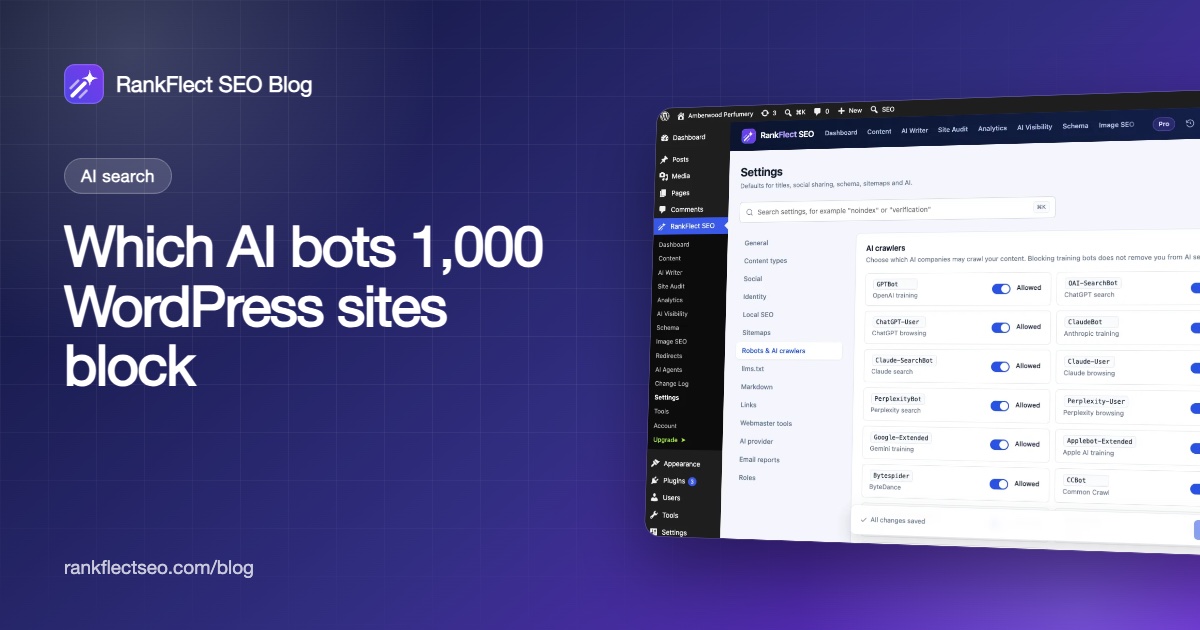
The AI crawlers tab on RankFlect SEO → AI Visibility shows which AI bots visited, the purpose of each (training, AI search or user request), the pages they read most and how often they fetched your llms.txt and Markdown pages. It keeps 90 days of history. See control and track AI crawlers.
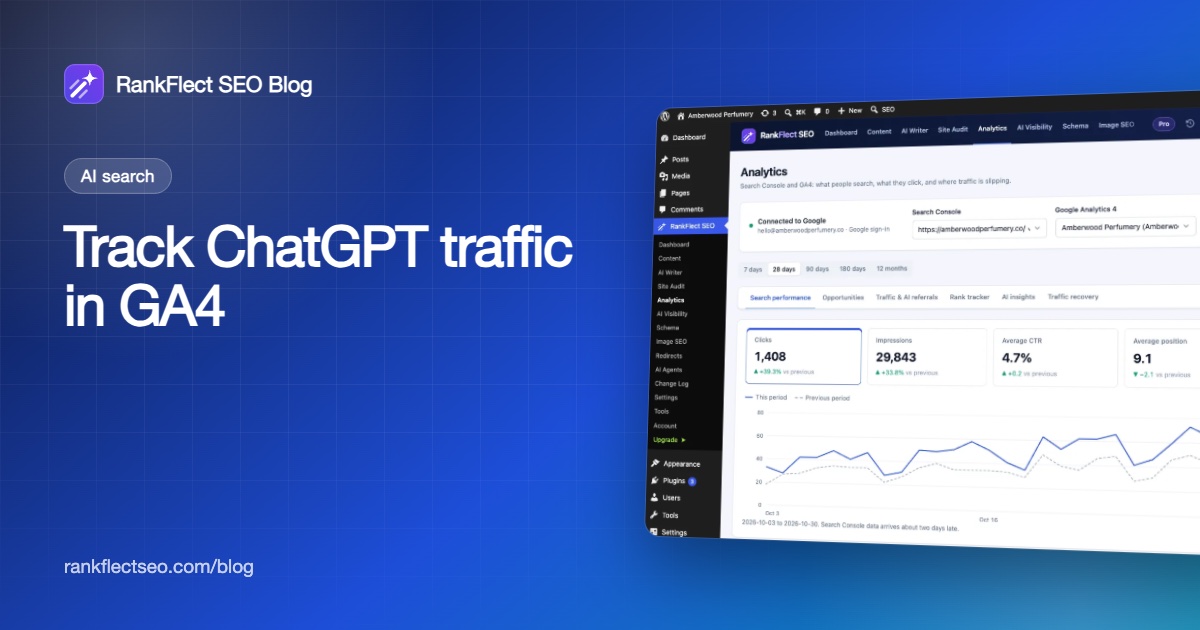
Once Google Analytics 4 is connected, the Traffic & AI referrals report groups visits from ChatGPT, Perplexity, Claude, Gemini, Copilot and other assistants. See measure traffic from AI assistants.
Pro: AI answers, mentions and share of voice
In RankFlect SEO Pro, the AI answers tab runs the method above for you. On the Setup tab you enter your brand name, other names, up to 15 competitors and up to 25 prompts. Suggest prompts can draft 10 customer questions from your site, which you should edit before saving. You then click Run check now, or turn on the weekly check.
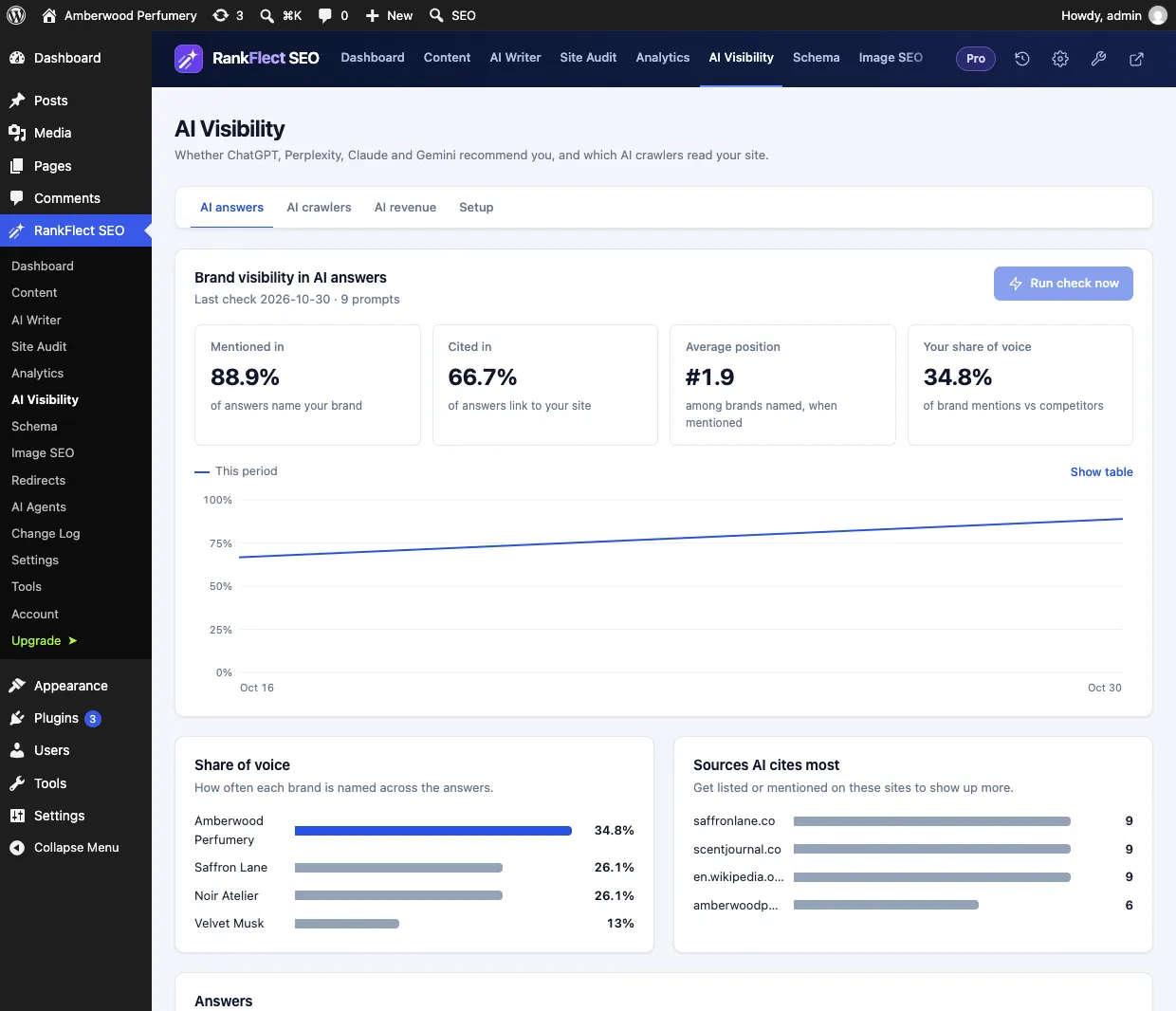
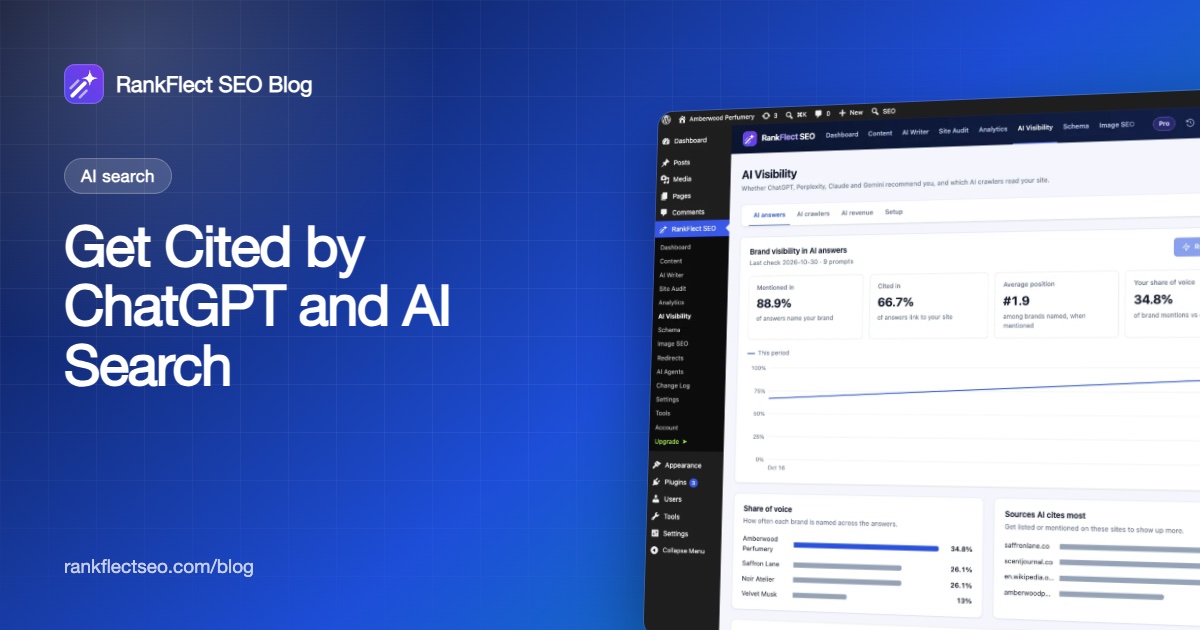
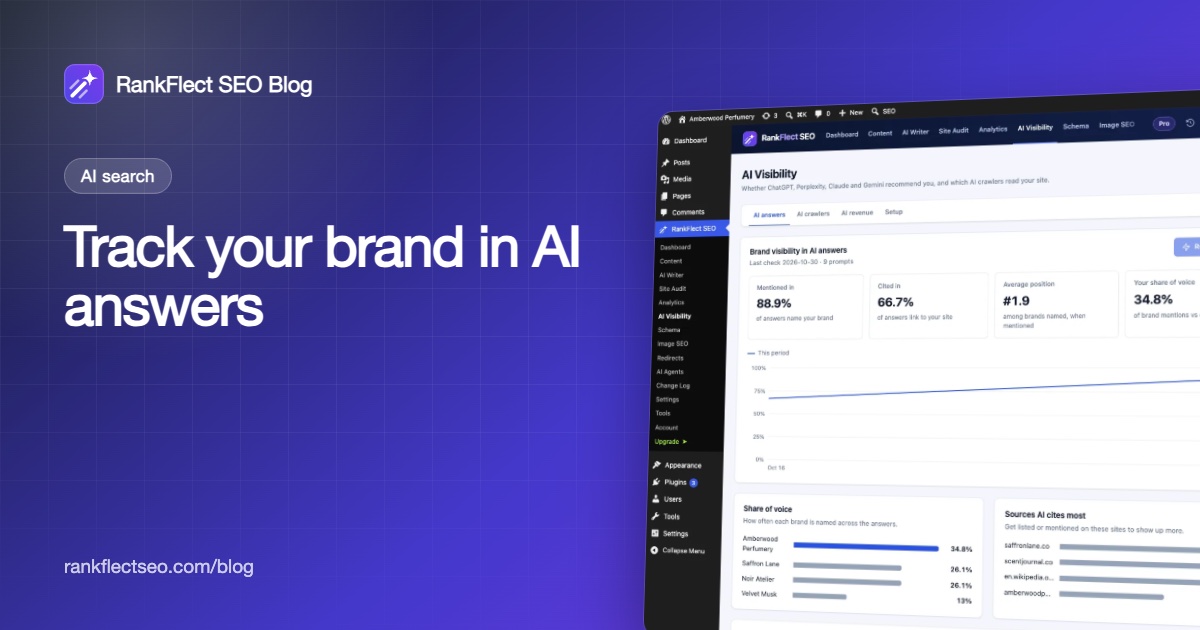
The Brand visibility in AI answers card shows Mentioned in, Cited in, Average position and Your share of voice for the latest check, with a mention rate chart once you have two or more checks. Below it, Share of voice compares each brand, and Sources AI cites most lists the domains the assistant leaned on, with your own site highlighted. Every prompt has a Read answer link with the full text and sources.
Two details are worth knowing before you start:
- It asks the one provider you configured. Checks run on your own AI key with that provider's web search: Claude, OpenAI, Gemini or OpenRouter. A local OpenAI-compatible model has no web search, so its answers come from the model alone. To check another assistant, switch provider and run again; each answer records its provider and model. See add your AI provider key.
- Each prompt is one AI request on your key, counted against your daily request limit. Providers usually bill web search on top of tokens, so check your provider's pricing. There are no RankFlect SEO credits.
Full details are in the AI visibility tracking docs. WooCommerce shops can also connect visibility to sales with AI referral revenue in Pro.
If you want to start with the free layers, download RankFlect SEO and open the AI crawlers tab. It begins counting AI bot visits as soon as the plugin is active.
Common mistakes to avoid
- Putting your brand in the prompt. It inflates mention rate to near 100% and hides the real picture.
- Changing prompts every week. Keep a core set fixed. Add new prompts as a separate group if you need to.
- Judging from one check. Variance is normal. Wait for a trend.
- Blocking AI search bots by accident. Blocking training bots such as GPTBot doesn't remove you from AI search answers, but blocking search and user bots such as OAI-SearchBot or ChatGPT-User does. Check your robots.txt before you blame your content.
- Expecting guarantees. No one controls what an AI model says. Tracking shows you where you stand and whether your work is moving the needle.
Frequently asked questions
What is AI visibility tracking?
It is the practice of asking AI assistants a fixed set of customer questions on a schedule and recording whether the answers mention your brand, cite your site and recommend competitors. The results are summarized as mention rate, citation rate, position and share of voice, and read as a trend over time.
How do I check if ChatGPT mentions my brand?
Ask ChatGPT, with web search on, the questions your customers ask without including your brand name, and note whether you appear. Repeat the same questions weekly and record the results, because single answers vary. A tracking tool automates the asking and recording.
Does AI visibility tracking show how much traffic AI sends me?
No. It measures whether you appear in answers. For visits, use referral data from Google Analytics 4, where ChatGPT links carry utm_source=chatgpt.com. Use both: visibility shows the opportunity, referrals show the clicks.
Can I see AI Overviews appearances in Search Console?
Not separately. Google counts traffic from AI Overviews and AI Mode within the overall "Web" search type in the Performance report. You can see the clicks and impressions, but not which ones came from an AI feature.
How often should I run AI visibility checks?
Weekly suits most sites. It is frequent enough to connect a content change to a result within a month or two, and it keeps AI request costs predictable. Give any change several checks before you judge it.
- #ai visibility
- #ai search
- #share of voice
- #chatgpt
- #geo
Written by
RankFlect SEO TeamThe people who build RankFlect SEO, the WordPress SEO plugin with a built-in MCP server. We write about what we learn shipping SEO tools for AI search.
All articles →Let AI agents fix your SEO. You keep the undo button.
RankFlect SEO is free for unlimited sites, with a built-in MCP server, approval for every change and no AI credits.